
Kill the torches, hug the wall, and watch for candlelight that hits at the wrong angle.
Turn off the lights and let candles betray fake walls
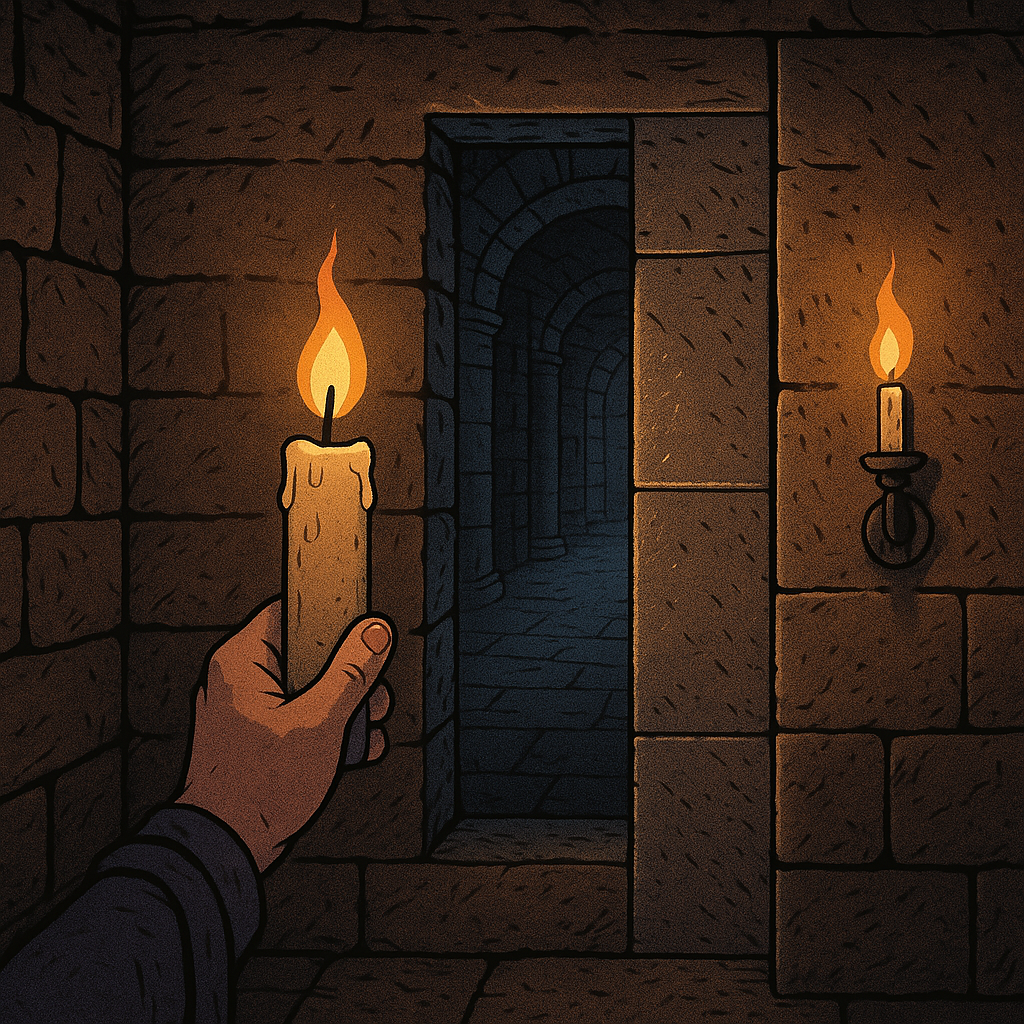
Any time a game gives you a torch, a lantern, or a big friendly “press R3 to toggle flashlight” prompt, it also gives you the ability to sabotage your own discovery instincts. I learned this the hard way creeping through catacombs in Elden Ring and then again in Baldur's Gate 3 basements: your personal light source flattens everything into the same warm glow, which makes secret seams look “normal.” So I started doing the opposite. I turn my light off and let the level's baked-in lighting do the talking.
Here’s what you’re hunting for in Game Discoveries terms: lighting that doesn’t make physical sense. Candles are perfect because their falloff is harsh and directional in a way that reveals sloppy collisions and hidden panels. Kill your torch, then walk slowly with your camera tight to the wall. If a candle is set on a sconce, the light should feather across stone and die. When it instead “stops” in a straight vertical line, or you see the highlight slide across a brick pattern like it’s painted on glass, odds are you’re looking at a disguised doorway, a breakable section, or a fake wall that’s one roll away from giving up a stash.
I’m not talking about random vibes. I mean the little tells: a candle flame reflection that repeats every three feet, a shadow that refuses to land on a protruding beam, or a bright rim light that doesn’t move when you angle your camera. In BG3, I’ve found more hidden buttons by watching candle shadows than by spamming the Search cone. In soulslike dungeons, I’ll even back up until the candle is just off-screen, then sidestep; if the light band doesn’t shift, it’s usually because there’s a flat collision plane hiding something. It’s quiet, a little obsessive, and it works often enough that now I do it automatically whenever I see deliberate candle placement.
Triangle looting: skim, then return with empty hands
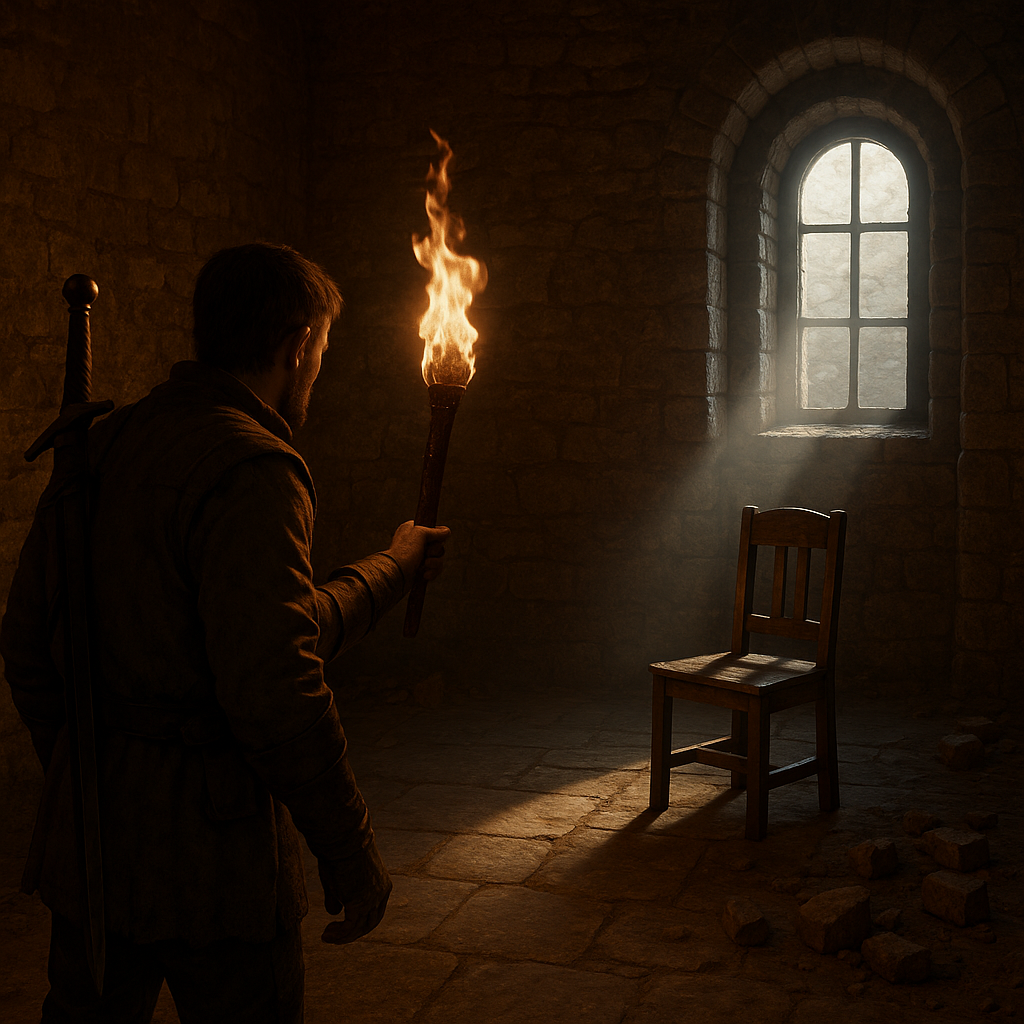
I used to clear a room like a vacuum: enter, loot every container, break every crate, leave. It feels responsible. It’s also how you train your brain to stop looking the moment you grab the “good enough” stuff. For Game Discoveries, I’ve had better results doing a two-pass triangle that keeps me curious on purpose.
Pass one is a skim run. Pick three anchors the game already wants you to notice: a big landmark (altar, elevator, boss door), a light source (window beam, brazier cluster), and a “why is this here” prop (single chair, lone statue, a dead end with fresh footprints). Walk that triangle and take only what’s on your path. No rummaging. No inventory check. This keeps your camera moving and, more importantly, keeps your eyes scanning for oddities like: one bookshelf with different wear, a chest tucked behind a pillar you only see from the second anchor, or a short wall segment with a slightly different normal map.
Then you leave the room. Yes, on purpose. Step into the next hallway, let the music shift, trigger whatever autosave or zone banner pops, then come back in for pass two with empty hands and a different mindset. On the return, the room feels “new” again, and you notice the stuff your first pass filed away as background. That’s when I spot the lever that’s placed a little too cleanly, or the ladder that blends into a beam until you approach from a new angle. In The Witcher 3, this is how I started catching hidden switch plates in ruins, because the second entry changes your approach line and the camera naturally tilts differently.
A practical bonus: the second pass is when I do the slow container work, because now I can do it without constantly thinking, “Am I missing the exit?” If you’re playing something with weight limits (Skyrim, some survival RPGs), this also makes you better at discovery because you aren’t constantly shuffling loot while your attention is split. The triangle is small, repeatable, and weirdly good at surfacing secrets that rely on sightlines.
Use the minimap's edge as a metal detector (seriously)
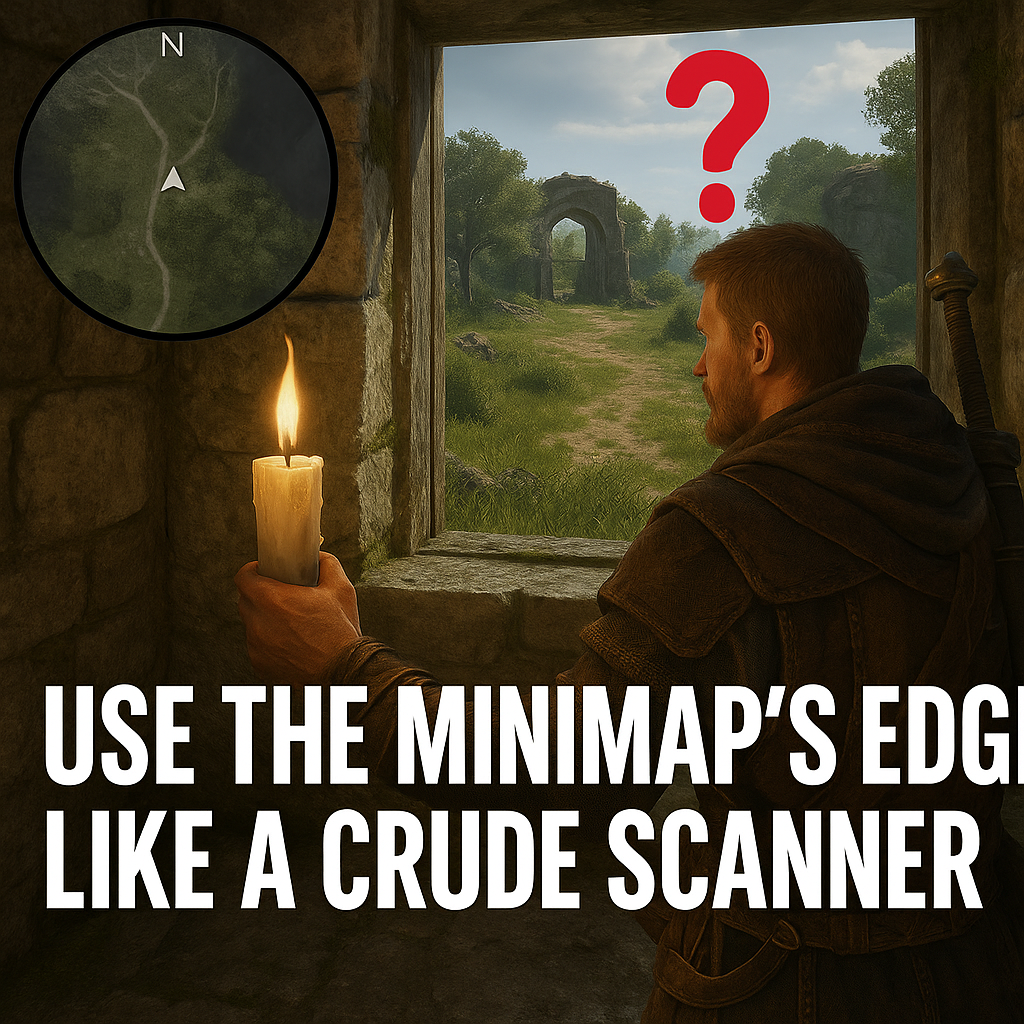
If your game has a minimap with a clean circular edge, you can use that edge like a crude scanner. I started doing this in open worlds where points of interest pop in only when you’re within a certain radius, and it’s become one of my favorite little Game Discoveries habits because it feels like cheating without being a cheat.
Here’s the move: stop sprinting. Walk toward an area you suspect is hiding something (a cliff base with too much empty space, a ruin that looks decorative, a stretch of road with suspiciously good lighting). Keep your eyes on the minimap border, not the center. You’re watching for three tells that happen right at the edge of the “reveal radius”:
- Icon flicker: a marker appears for a split second and disappears as you drift left or right.
- Fog seam: the shaded unexplored area snaps from one shape to another as if it “caught” on geometry.
- Compass tick: a tiny notch, ping, or directional blip that only shows when your camera faces a narrow cone.
When you get a flicker, don’t chase it straight on. Sidestep in a shallow arc while keeping roughly the same distance. This is the part that feels like a metal detector: you’re trying to keep the signal alive and then tighten the circle. In games with towers, scan modes, or “reveal nearby secrets” perks, the edge behavior gets even louder because the UI is juggling multiple layers. I’ve used this in Horizon Forbidden West and Assassin's Creed-style maps to find tucked-away camp entrances and underground cracks that weren’t visible from the road. In more modern RPGs with layered interiors, the fog seam trick is especially good at hinting there’s a cave behind the rock face you assumed was solid.
One caution from experience: if the minimap rotates, lock your camera for a second. Rotating maps can create phantom flickers that are just UI smoothing. Stand still, rotate the camera slowly, and see if the edge tell repeats in the same world direction. If it does, you’ve got something worth poking at. If it doesn’t, it was just your UI being dramatic.