
Three quick pre-fight tweaks (buff timers, camera, and mapping) that stop stupid deaths cold.
Turn buff timers into a metronome
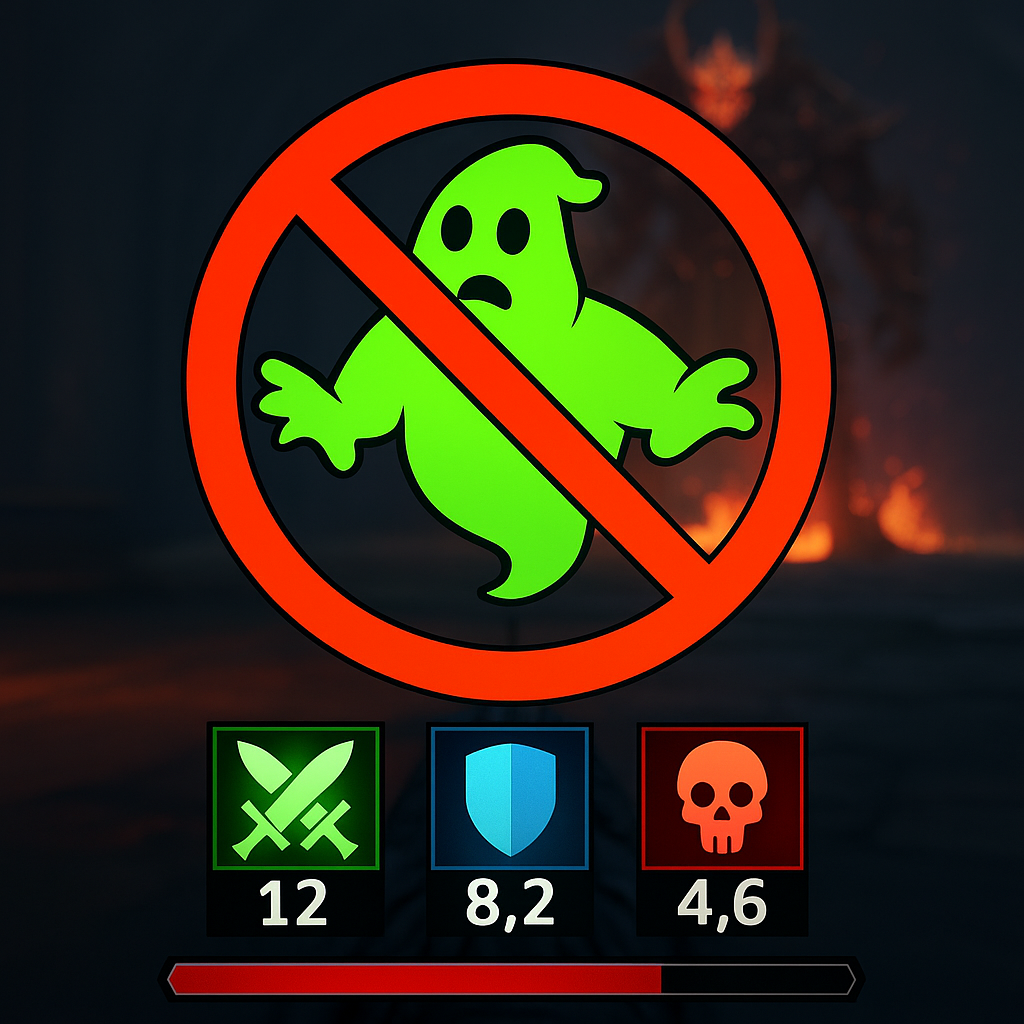
Most wipes I see (and plenty of my own) aren't from not knowing the fight. They're from doing the right thing at the wrong time because your HUD isn't giving you usable information. Before a boss, I go straight into the UI/HUD options and make my buff and debuff timers obnoxiously readable: bigger icons, clear countdown numbers, and positioned where my eyes already live (usually just under the crosshair or above the health bar, depending on the game). If the game lets you separate personal buffs from team buffs, do it. Your personal survivability timer is not the same priority as a party-wide aura.
Then I set one simple rule and stick to it: I only refresh long cooldown buffs during safe windows, and I use the timer as a beat. If a defensive is 20 seconds, that's not just a number. That's the length of time I can afford to play aggressive before I have to respect the boss again. If the game supports audio cues, I turn them on too. A tiny "buff expired" ding has saved me from the classic mistake of thinking I'm still shielded because the visual effect is pretty.
This is also where I clean up the clutter that lies to you. Some games leave old proc icons up for a second after they're gone, or they fade so gently you can't tell if it's still active. I disable the soft fade if I can, and I prefer hard on/off. And if the UI editor allows it, I color-code: green for damage buffs, blue for mitigation, red for "you will die if you ignore this." It sounds picky, but when the boss does the same stomp every 30 seconds, your job is to stop guessing and start reacting on time.
Camera and FOV: win the fight before you lock on
I don't care how good your build is, a bad camera setup will humiliate you. The usual giveaway is when you die and you can't even describe what hit you. So before a boss, I spend two minutes in camera settings like it's part of my prep checklist. First: crank camera distance back if the game allows it. Not maxed if it makes aiming miserable, but far enough that you can see your feet and the ground around you. Boss arenas love to hide damage in the floor, and a close camera turns every "get out" mechanic into a surprise.
On PC, I also bump FOV up until enemy windups are readable in my peripheral vision. Too high and everything gets fisheye and you start misjudging distance, especially with fast lunges. There's a sweet spot where you can still judge spacing, but you stop getting blindsided by adds spawning just off-screen. On console, if FOV isn't available, camera distance and sensitivity do a lot of the same work. I keep horizontal sensitivity a touch higher than vertical so I can track lateral sweeps without feeling like I'm stirring soup when I look up.
Second: turn off or reduce camera auto-center and camera shake. Auto-center is the silent killer on any fight that asks you to strafe and watch the boss at the same time. You start moving, the camera yanks itself behind you, and suddenly you lose the angle you needed to see the telegraph. Camera shake is fun once, but in a boss fight it turns important tells into visual noise. If the game has a "combat camera" toggle, I test it in the arena entrance on a trash mob. If it fights me, it goes off.
Finally, I check lock-on behavior. Some games default to swapping targets when something sneezes near you. I set it to manual swap only, or at least increase the stick threshold so I don't flick to an add when I'm trying to roll. That one change makes the fight feel "easier" in a way that has nothing to do with skill. It's just not wrestling your own settings anymore.
Remap one emergency button and practice it once
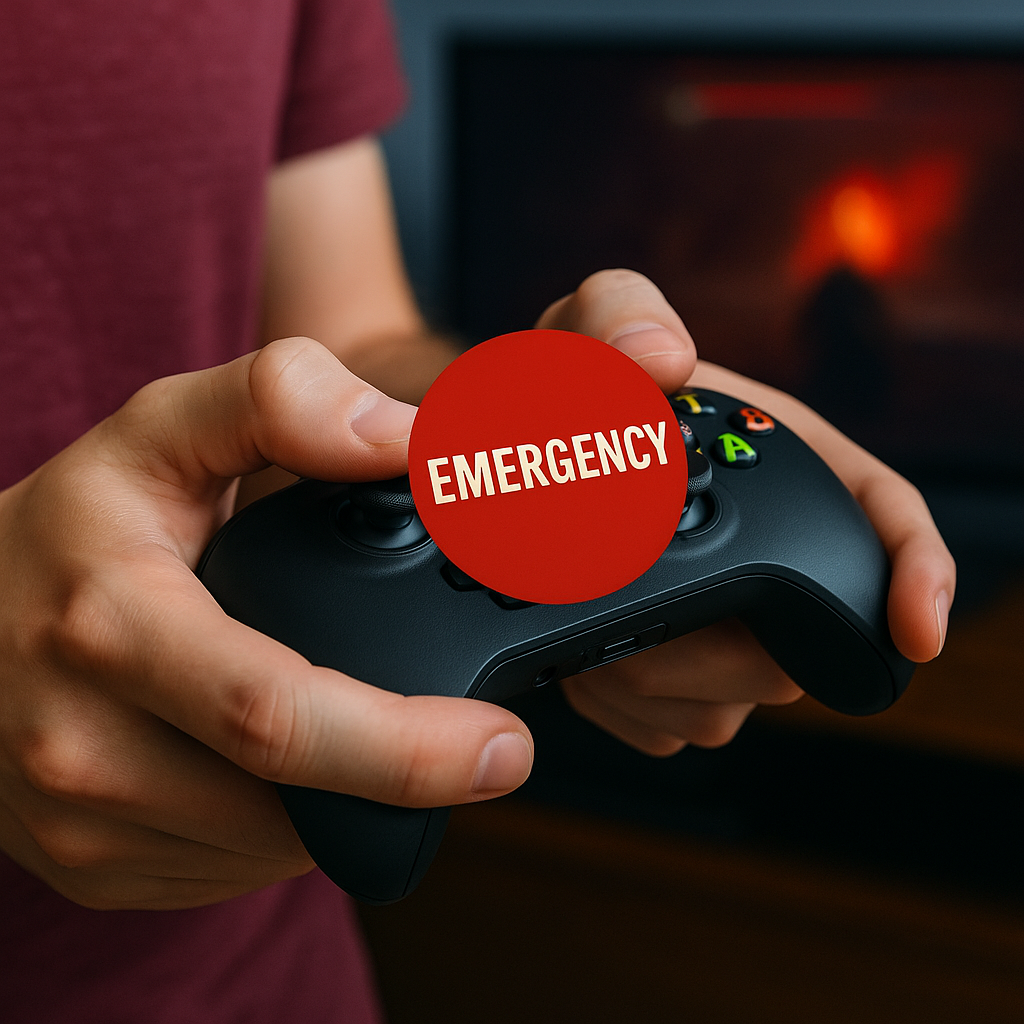
This is the least glamorous tip in the world, and it fixes an embarrassing number of deaths: put your panic tool on a button you can hit under stress. Not "theoretically reachable". Reachable while you're holding sprint, steering the camera, and your brain is yelling at you. For controller, that usually means one of the bumpers/triggers, a face button with a paddle (if you're on an Elite or DualSense Edge), or a D-pad direction that's easy to press without letting go of movement. For mouse and keyboard, it's a thumb button on the mouse, or something like Q/E if those aren't already married to core movement.
I pick exactly one emergency action for the remap. A heal. A cleanse. A dodge with i-frames. A potion hotkey. Whatever saves the run when you mess up. Then I bind it and I test it once in a low-stakes spot. One repetition is enough: take a hit, hit the button, confirm it fires instantly and doesn't conflict with anything dumb like "open chat" or "ping." If your game supports input buffering or has a "hold vs toggle" option, set it now. A toggle sprint can be great until a boss requires precise micro-steps, and suddenly you're sprinting off the safe zone because your thumb got tired.
Two small, practical extras from too many nights of "how did I die":
- Disable double-tap shortcuts you don't use. If double-tap dodge shares a bind with something else, you'll eventually trigger the wrong one while mashing. Boss fights are where accidental inputs show up.
- Make consumables idiot-proof. If the game lets you put potions on a quick wheel, put the correct one in the same slot every time. I don't want to read labels mid-fight. I want muscle memory.
People love to talk about builds and routes, but input ergonomics is pure Game Tips gold. When the screen goes red and your health bar is a sliver, you don't rise to the occasion. You hit whatever button your hand can find.