
Use your console's clip tool, a 20-second timer, and a controller remap test to stop dying to the same beat.
Use the clip button like a coach, not a highlight reel
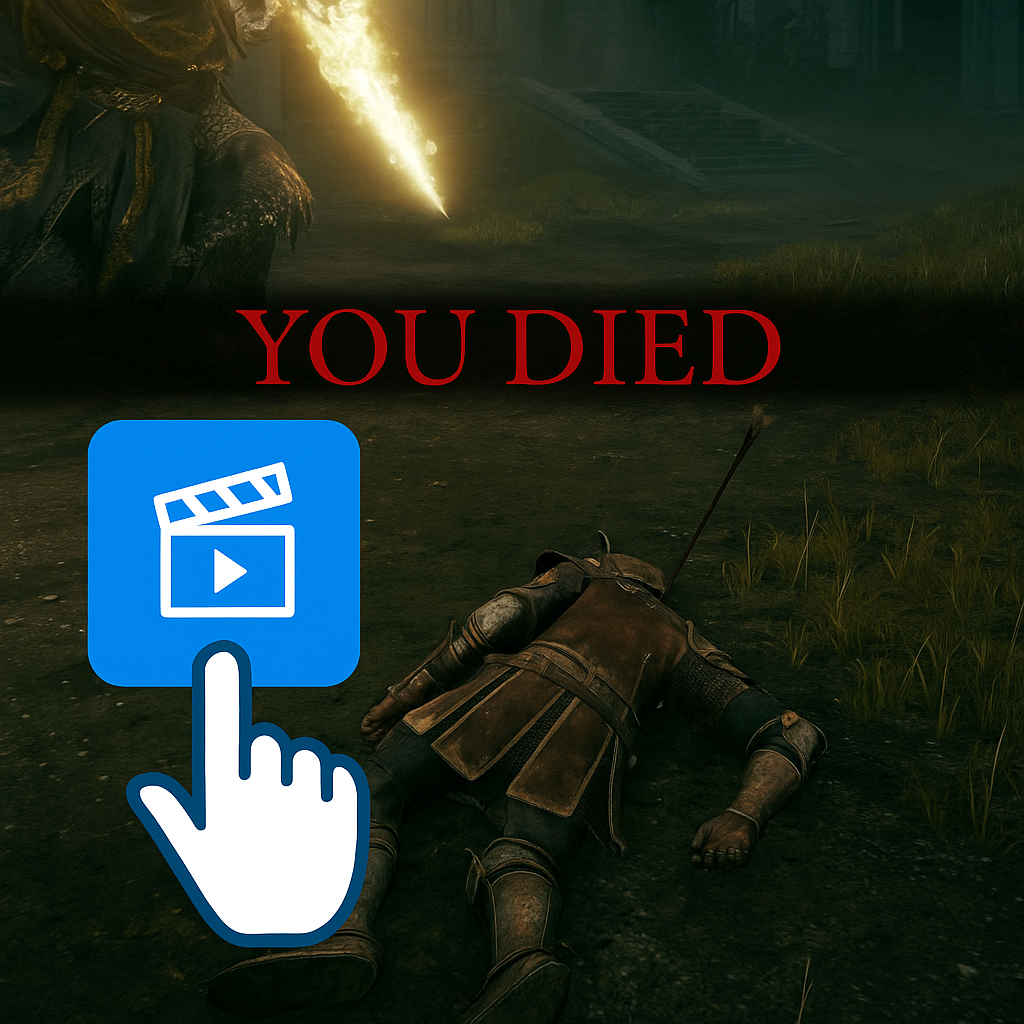
When I'm stuck on a boss, I stop trying to "learn the fight" and start treating it like film review. Not in a dramatic way. I mean I hit the clip button the moment I die, then I watch only the last 6 to 8 seconds. On Xbox, I tap Share; on PlayStation I use Create; on Switch I hold the Capture button. If you're on PC, ShadowPlay or the Steam recorder works the same way. The point isn't to save proof. It's to steal information from the exact moment your brain blanks and your hands do the wrong thing.
Here's the Play Guides part: you turn that clip into a drill. I keep a note on my phone with a tiny template like this:
- What killed me: (name it plainly, "double slam" or "red grab")
- My input: ("panic roll" or "heal")
- My screen cue: ("left shoulder dips" or "weapon flashes")
- My earlier mistake: ("spent stamina" or "camera low")
That last line is where the win lives. Half the time the "unfair" hit isn't about the move you ate, it's about the two seconds before it. You rolled once too many, you drifted into a wall, you tried to heal with no spacing. Watching the clip makes that obvious in a way a live attempt never does, because you were busy being mad.
Then I set one rule for the next run: I am not allowed to react to the move. I have to react to the cue. It sounds picky, but it changes everything. "When the shoulder dips, I walk left and hold block" is playable. "When the slam happens, I do something" is not. If you're the type who gets lost in menus, do it once, clip once, and close it. The clips are a scalpel, not a hobby.
The 20-second reset: an anti-tilt timer that keeps your hands honest
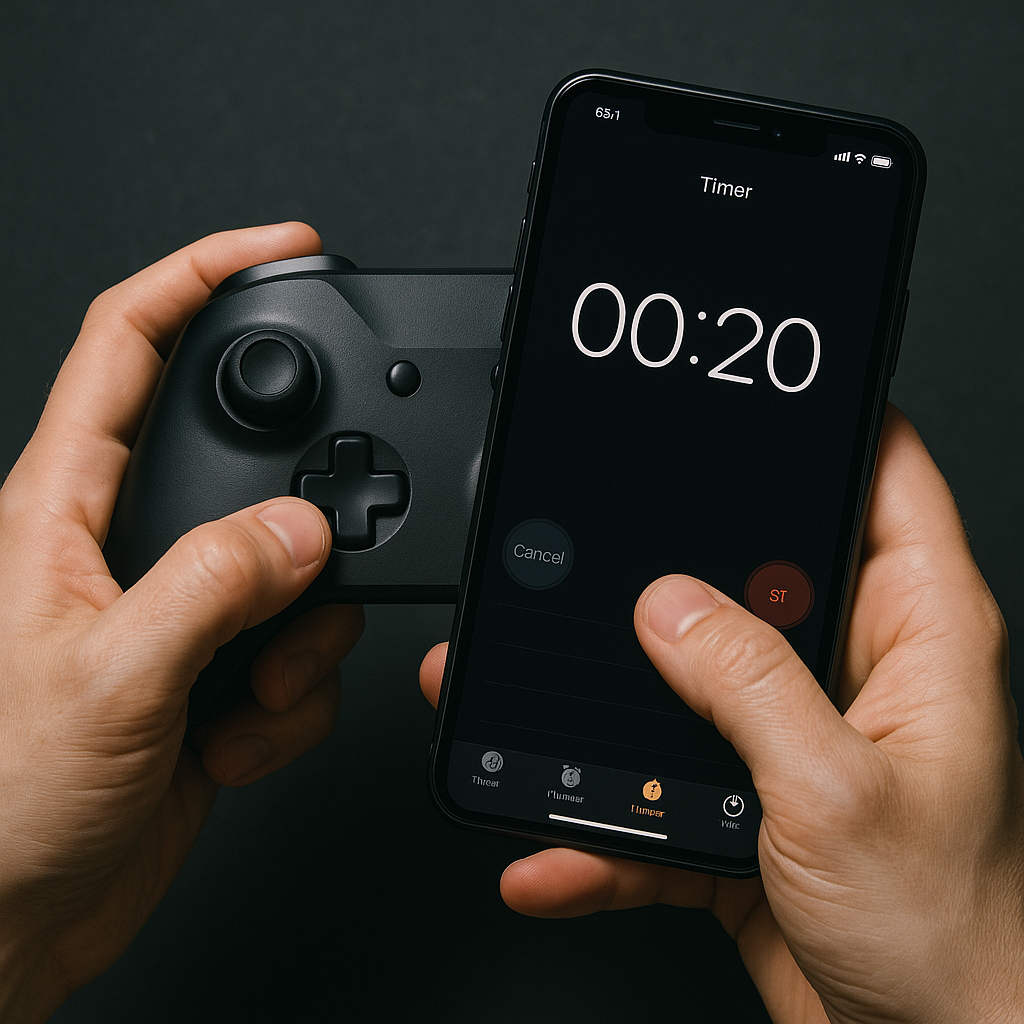
I used to treat the runback as "dead time" and mash through it. That was my mistake. The runback is where I lock in the sloppy inputs that get me killed: over-steering the camera, death-gripping the controller, and arriving at the gate already breathing like I ran up stairs. So now I force a 20-second reset before I touch the fog gate or boss door. It's short enough that I won't ignore it, but long enough that my hands stop doing that twitchy thing.
I use a phone timer, not willpower. iPhone's Timer app, Android's Clock, whatever you already have. I hit 0:20 the second I regain control after death or load in, and I do the same tiny sequence every time:
- Loosen grip: open and close my hands once, then rest thumbs lightly on the sticks.
- Check one setting: is my volume too high, or did I crank it in frustration last attempt? If yes, lower it a notch. I want cues, not adrenaline.
- One camera sweep: slow full circle with the right stick. Not to "look around". To remind my thumb what calm speed feels like.
- Say the single cue: out loud if I'm alone. "Shoulder dip." "Backstep." "Tail twitch." One phrase only.
On attempt 1 it feels goofy. By attempt 4 it feels like a seatbelt. The best part is what it prevents: the classic Play Guides failure mode where you tell yourself you're practicing, but you're really just repeating the same panic entry over and over and calling it "learning." That 20 seconds interrupts the spiral.
And no, it doesn't make the grind longer in a meaningful way. If you're doing 15 attempts, that's 5 minutes total. You'll get more than 5 minutes back from not donating three deaths to the same early combo because you barged in with your brain still in the previous death screen.
Remap one button for one fight, then put it back
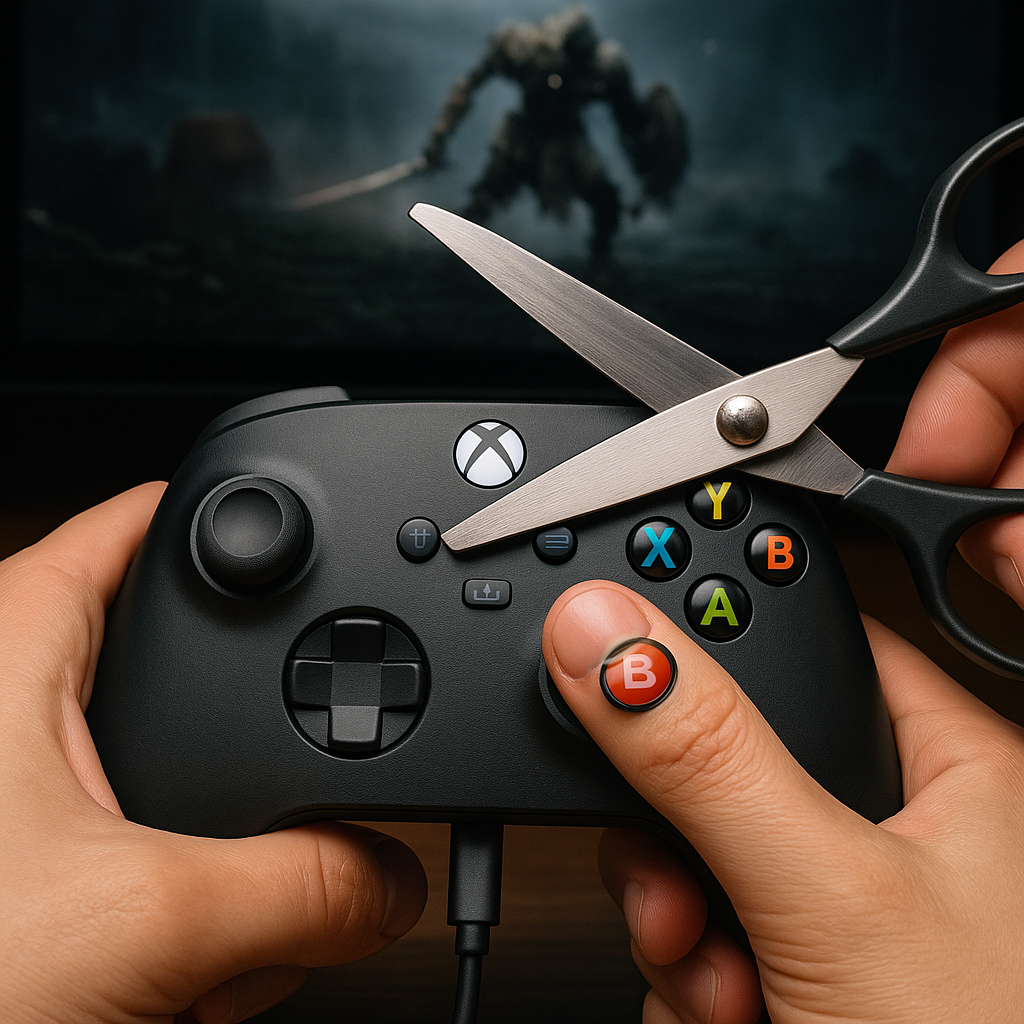
I don't love suggesting controller remaps because it's easy to go down a rabbit hole and end up worse. But there is one situation where I remap without hesitation: when the boss demands a fast, repeated defensive input while your thumb also needs camera control. If I'm getting clipped because I can't keep the camera and dodge on the same thumb, I stop pretending it's a "skill issue" and make the controls stop fighting me.
This is a Play Guides move, not a walkthrough move. You're not changing your whole game. You're setting up a temporary practice environment.
What I do depends on platform:
- Xbox: Xbox Accessories app, make a new profile. Swap dodge/roll to a bumper or a paddle if you have an Elite controller.
- PlayStation: Settings > Accessibility > Controllers > Custom Button Assignments. Put dodge on R1 if the game won't let you bind it.
- PC: Steam Input action set for just this game. Same idea: move dodge somewhere your index finger can spam without stealing your camera thumb.
Then I test it in a safe spot for 60 seconds. Not a full run. I stand next to a wall or a passive enemy and do 10 slow dodges, 10 fast dodges, and 10 "dodge while panning the camera" reps. If any of those feel confused, I undo it and try a different swap. The goal is not novelty. It's eliminating the one moment you keep losing your fingers.
Once it clicks, the boss attempt changes immediately. You can keep the enemy centered while still dodging on beat. Your stamina management improves because you're not doing accidental extra rolls. And your healing gets cleaner because your hands aren't mid-scramble when you reach for the flask.
One rule so you don't create a mess: when the boss is dead, you revert the profile. I name mine "BOSS ONLY" in all caps so I don't forget and spend the next dungeon wondering why jump is on the wrong button.