
Save three tiny clips per run, label them, and you stop repeating the same death with more confidence.
The three-clip replay queue (watch it between pulls)
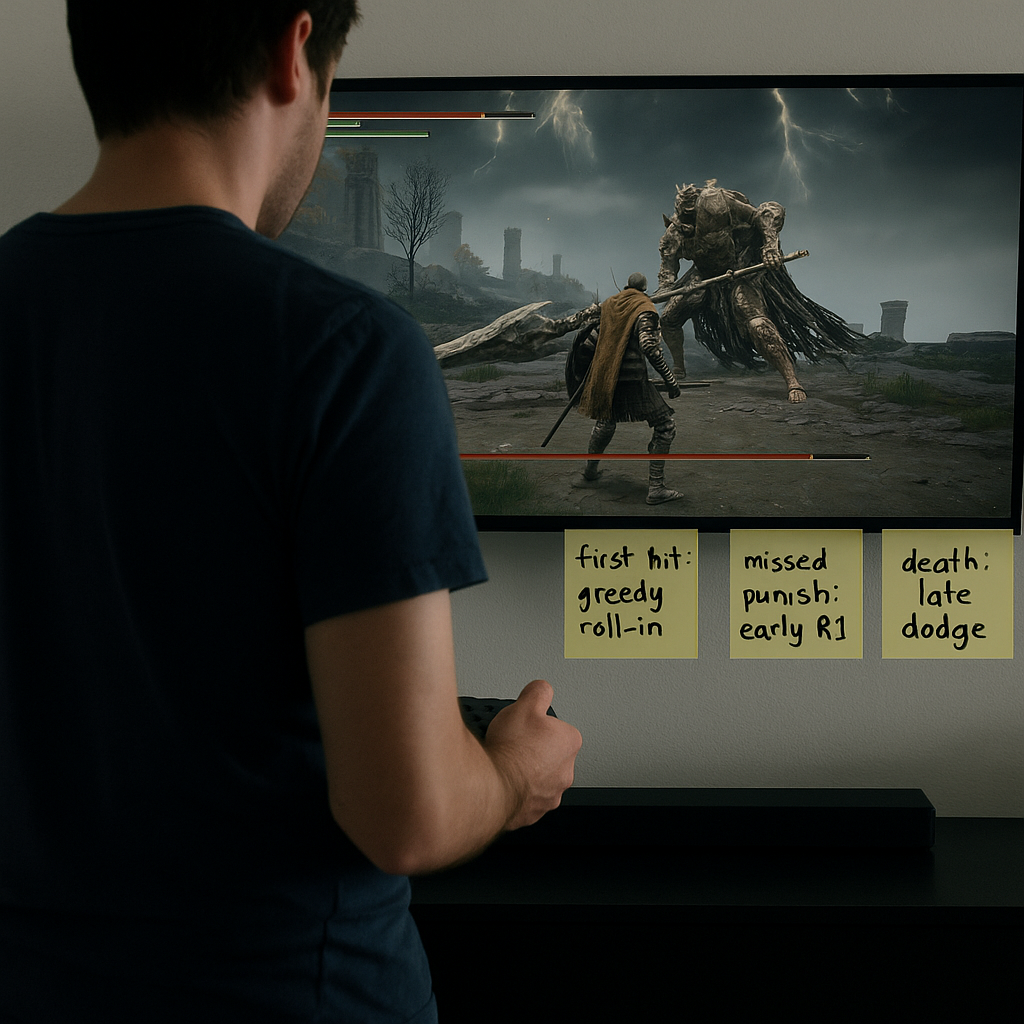
I used to tell myself I was "learning" while I slammed attempt after attempt. Then I started treating boss practice like a Play Guide with receipts. Not a full breakdown, not a spreadsheet, just a tiny replay queue that forces me to look at what happened while my hands are still warm.
Here is the rule: every run, I save exactly three clips with the console capture button. On PS5 or Xbox, I set my capture length to 30 seconds so I don't have to trim much. Clip #1 is the first time I take damage. Clip #2 is the first time I miss a punish I was sure was free. Clip #3 is the death, but only if the death is "new". If I died to the same thing as last run, I don't waste the third clip on it. That little constraint keeps this from turning into a scrapbook.
Between pulls, I watch the three clips once, on mute, standing up. Standing sounds silly, but it changes my tempo. I can't sink into the couch and rationalize. I have to answer three questions before I hit the fog gate again: What was on screen when I took the first hit? What input did I do that I didn't mean to do? What was the boss doing one beat before I panicked?
Then I name the clip in plain English: "first hit: greedy roll-in" or "missed punish: early R1". On Xbox you can rename, on PlayStation I just jot the labels in my Notes app next to the timestamp. After 6 to 9 pulls, the pattern is embarrassingly obvious. It's rarely "I don't know the moves". It's "I keep healing with the camera angled at a wall" or "I always swing after a blocked hit because my thumb wants closure". Once you see it, you can't unsee it.
Set a punish budget and spend it out loud
This is the Play Guide trick I use when my brain is doing the classic boss-fight math wrong. You know the feeling: you finally dodge the big move, your body screams "now!", and you cash out with three extra hits that were never yours. The boss doesn't punish you because it hates you. It punishes you because you kept shopping after you already paid.
So I set a punish budget before I touch the arena. Literally. I say it once, out loud, like I'm calling a play: "Two hits, then out," or "One heavy, no follow-up." If the game is stamina-based, my budget is framed as a stamina number instead of a hit count: "spend 60%, keep 40%." If I'm playing something with animation locks, the budget is a specific move: "jump R2 only," or "charged shot only."
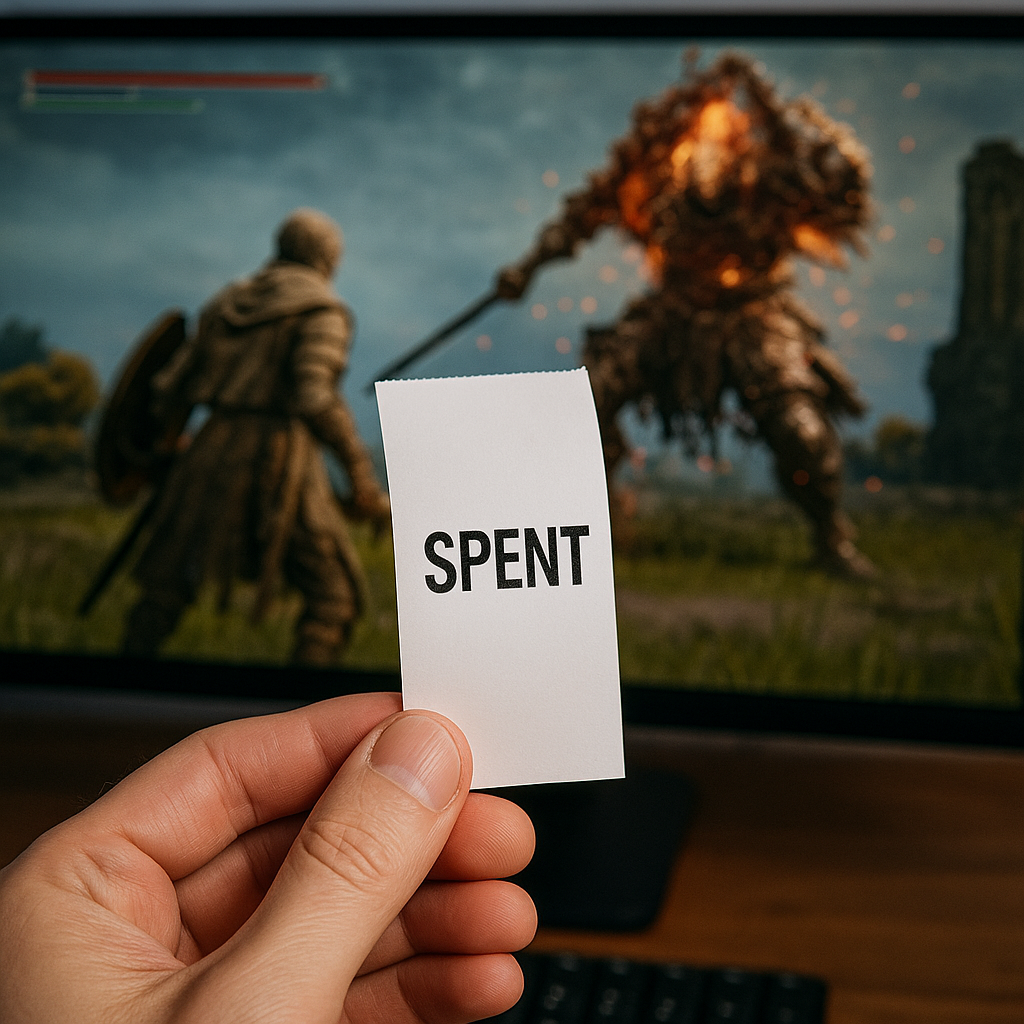
Then I follow a stupidly strict spending rule: when I land the punish, I speak the receipt. "Spent." That one word keeps me from doing the extra swing that feels free in my hands but isn't free on screen. It also makes me notice when I'm lying to myself. If I can't say "spent" because I'm still mashing, that's data. Not shame, data.
The best part is how fast this exposes fake openings. A lot of bosses have "courtesy windows" that exist to lure you into over-committing. The first hit is safe, the second is a coin flip, and the third is a donation. When you keep the budget tiny, you stop gambling and start iterating. You begin to recognize which openings are consistent across distance, camera angle, and your own nerves.
I don't write a full walkthrough for this. I keep a single line in my boss notebook: "Budget = 2 light" or "Budget = 1 jump." If I change it, I circle the new one. That's it. You're not trying to become a robot. You're trying to remove one specific way you keep dying: the extra hit you didn't earn.
Lower your camera sensitivity for one fight, then undo it
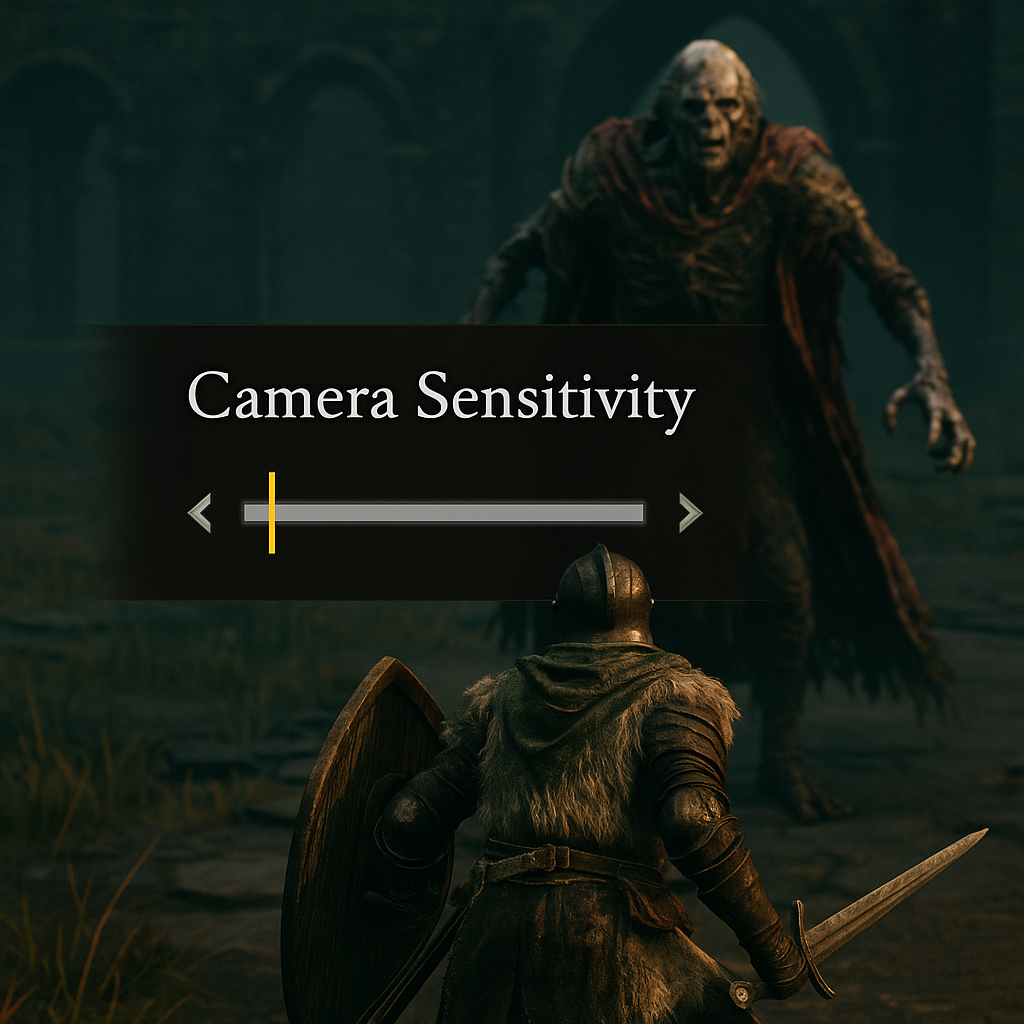
Most boss advice pretends your settings are neutral. They're not. The fastest way I've found to stop "mystery hits" is to temporarily make the camera a little dumber. Not permanently, not as some purity test, just as a targeted Play Guide adjustment for one fight.
If a boss has big lateral movement, teleports, or those annoying half-circle leaps that yank them off-screen, I drop camera sensitivity by 10 to 20% and I turn off camera auto-center if the game lets me. On controller, this changes the whole feel of panic. When the boss disappears, your thumb doesn't whip the view past the target and then whip back. It drifts. That drift is boring, and boring is good because it buys you visual confirmation. You stop "guess-rolling" into a hitbox you never saw.
There's a second benefit people don't talk about: healing becomes readable. With a twitchy camera, a lot of players heal while their right stick is still moving, so the camera swings, the lock breaks, and suddenly your character is sipping a potion while facing the wrong zip code. Lower sensitivity doesn't make you better at timing heals, it just removes the accidental camera input that turns a decent heal into a free punish for the boss.
How I test it in two minutes: I walk into the arena and I do nothing but track the boss with the camera for 20 seconds. No attacks. No dodges. Just follow. If I lose them off-screen twice, sensitivity goes down one notch and I repeat. When I can keep them framed without white-knuckling the stick, that's my setting for this fight.
After the kill, I put it back. I keep a tiny note in my phone like "Boss X: cam -2" so I remember what worked without turning my whole game into molasses. It sounds like a fussy tweak, but it's the kind of small, reversible change that belongs in Play Guides: fast to try, easy to measure, and you feel the difference immediately.