Three on-trail moves that prevent the endless re-check loop: a paper map fold, a split-decision timer, and a deliberate wrong-turn test.
Fold the paper map so it only shows what matters
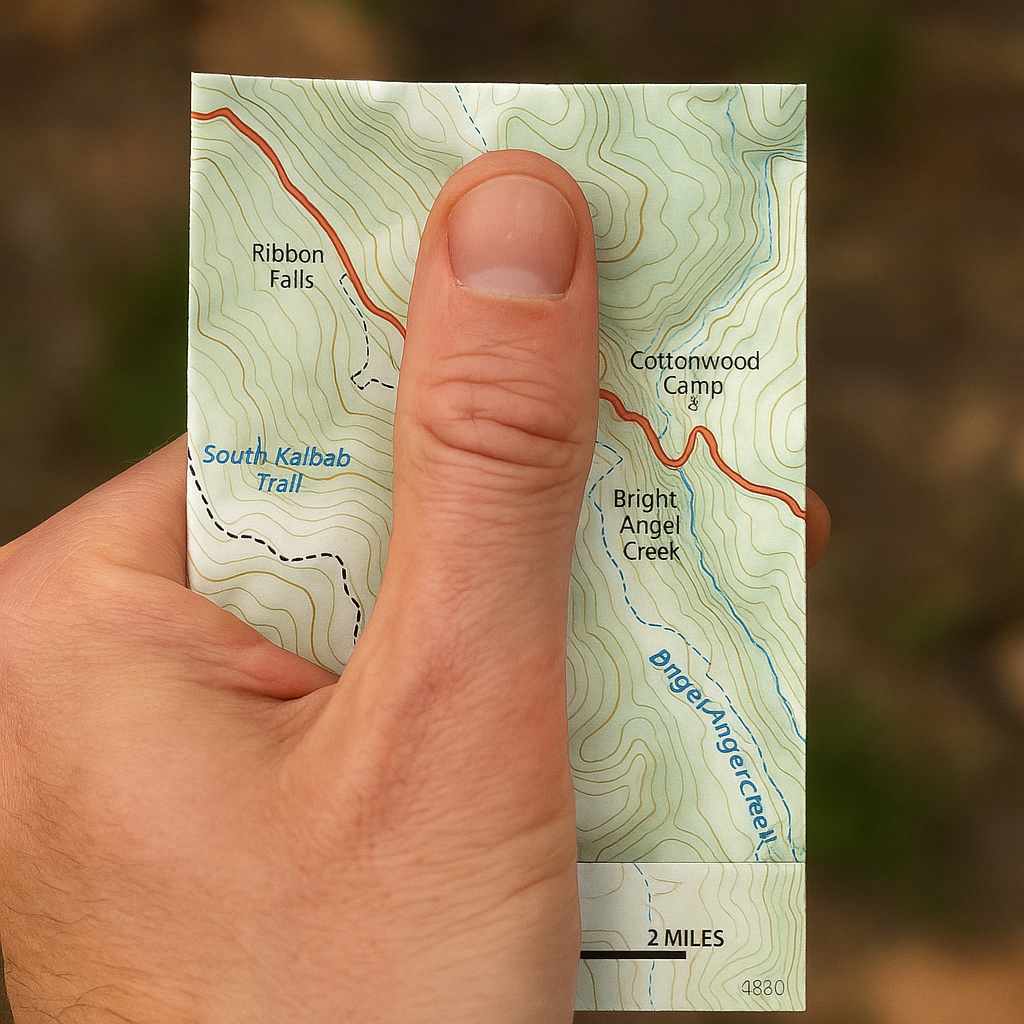
I carry a phone with Gaia GPS like everyone else, but when the trail turns into a junction spaghetti bowl, the phone becomes a slot machine. Zoom in, zoom out, rotate, fat-finger the wrong layer, realize the contour interval changed, repeat. The fix I keep coming back to is embarrassingly low-tech: I physically fold a paper map so I can only see the next decision window, then I put my thumb on my current spot and do not move it until I've decided.
Here's how I do it on a big route (say, a rim-to-rim plan with side options): I fold so the crease frames two things and only two things, my current segment and the next obvious catch feature. A catch feature is something you can't miss even on a bad brain day: a river confluence, a saddle, a major switchback stack, a trailhead. I want one line to follow and one thing that stops me from drifting forever. Then I take 20 seconds and check the scale bar so I don't start thinking a half-mile is a half-inch (I have done that, and I did not enjoy it).
Once it's folded, I run a quick three-item read that keeps me from spiraling: (1) What direction am I generally traveling on the map? (2) What is the next named junction or landmark on the ground, not in my app? (3) What should the terrain feel like, climb, flat, drop? Paper makes you commit. There's no blue dot hopping around, no "recalculating" drama, and no temptation to scroll into the next county. I tuck the folded map under the sternum strap or a Ziploc in the hip belt, so I can pull it out one-handed without stopping the whole group. You'd think this is overkill, but it's the one move that consistently keeps a junction from turning into a five-minute conference call.
Give yourself a 90-second junction timer
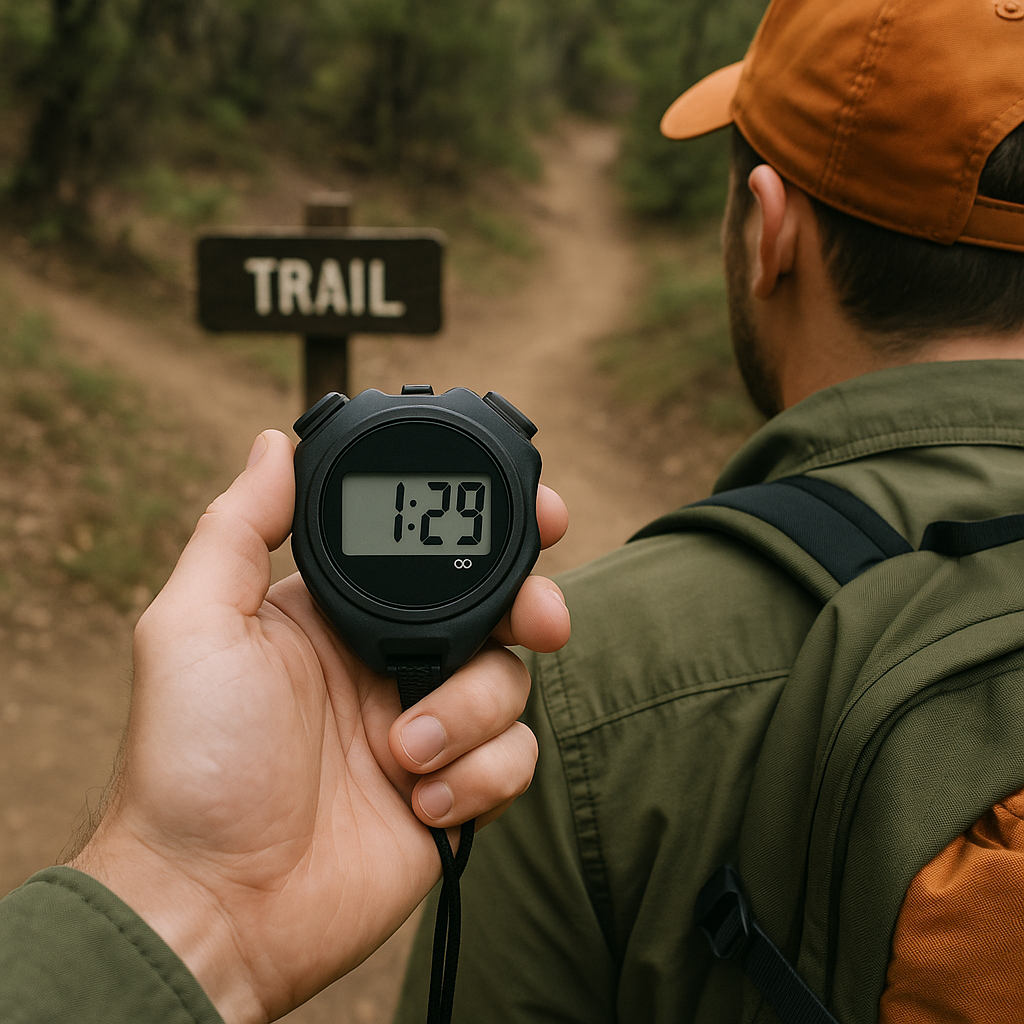
I learned this one after watching a perfectly competent group waste an absurd amount of daylight at a three-way split. Everyone had a different app, someone had the GPX track, someone else had AllTrails, and the person with the best instincts kept getting talked out of them. So now I use a junction timer. Not a dramatic stopwatch thing, just a rule: 90 seconds to make a call, then we move.
Start the timer the moment boots stop. In that 90 seconds, you do only the checks that pay back fast on a trail: look for a signpost, check if the tread is more worn on one branch, and do a quick compass sanity check if you carry one (a cheap Suunto clipper on the shoulder strap is plenty). If you have a GPX, glance at it once, not five times. If the blue dot is drifting because you're under trees or next to a canyon wall, treat it like gossip. Helpful, sometimes, but you don't stake your day on it.
At 90 seconds you pick the branch that matches the most evidence and you walk for two minutes. Moving is part of the method. Trails reveal themselves when you're in them: the grade settles, the cut-bank appears, blazes or cairns show up, or the tread turns to duff and you know you're on a social path. Two minutes is short enough that backtracking is painless and long enough to collect real information. I keep my eyes on "confirmation" features I can name out loud: a creek on the left, a switchback stack, a fence line, a powerline cut, even a distinctive rock outcrop. If none of those show up, we turn around without drama.
This works because it breaks the worst habit in navigation: standing still and re-litigating the same weak signals. A timer turns the decision into a small, reversible experiment. And yes, people complain the first time you enforce it. Then they notice you stop losing 30 minutes at every confusing junction, and somehow the complaints dry up.
Do a deliberate wrong-turn test (on purpose)
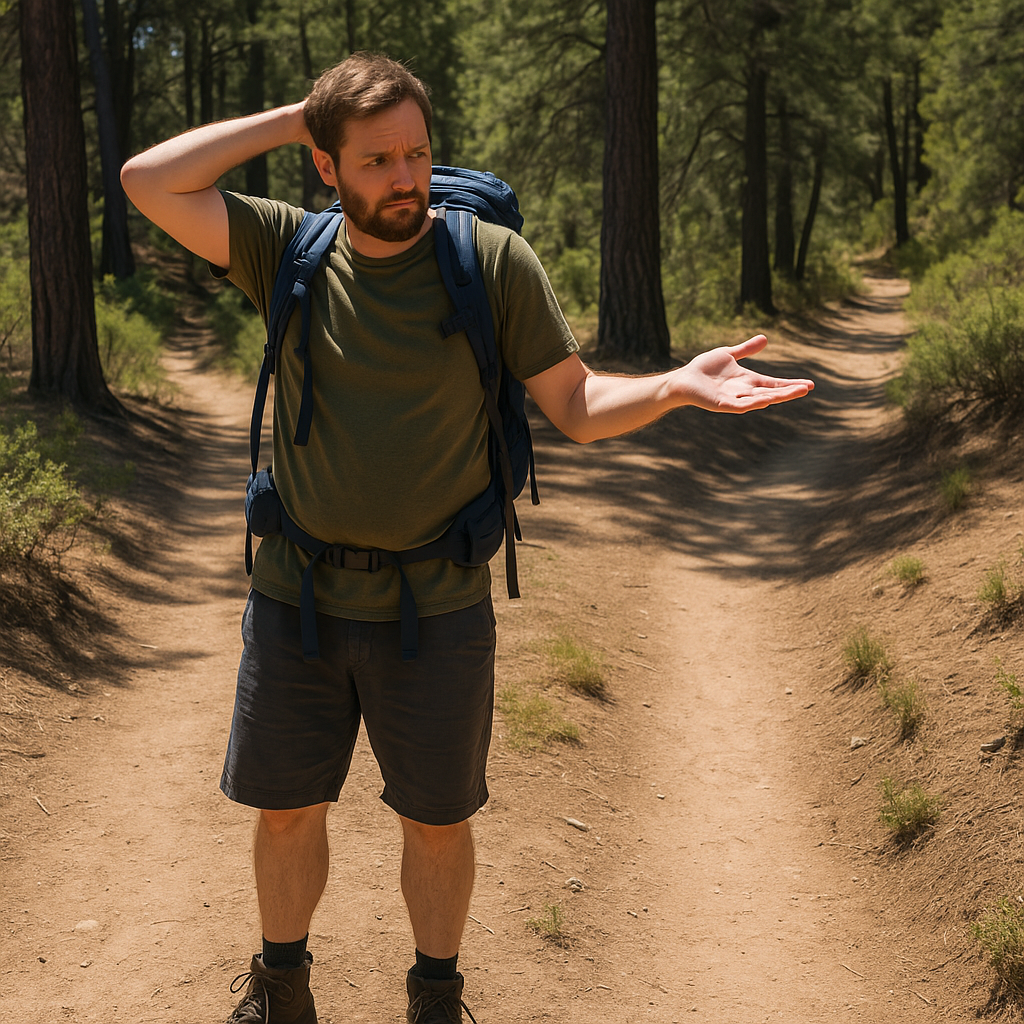
Sometimes the problem isn't that you don't know where you are. It's that both options look plausible, and your brain wants a guarantee before it will let you commit. When that happens, I stop trying to "be sure" and I run a deliberate wrong-turn test. You choose the fork you think is wrong, you walk it a short, pre-decided distance, and you look for one deal-breaker. If you find it, you just saved yourself ten minutes of dithering. If you don't find it, congratulations, that fork wasn't as wrong as you thought, and now you have actual evidence instead of vibes.
The key is the pre-decided distance. I like 200 to 300 yards on foot, or roughly three minutes at a normal hiking pace. I pick something I can track without staring at my watch: count 200 double-steps, or walk until I hit the next micro-feature (a drainage, a bend, a small saddle). On a map, that distance is often enough to cross one contour line or reach the next obvious bend in the trail. That's where clues show up.
What counts as a deal-breaker? A sudden steep sidehill where the intended route should contour, a trail that funnels into private property signs, a widening ATV track when you're looking for singletrack, or a drainage that drops you into the wrong basin. In places with cairns, the absence of them can be information too, but I don't over-trust rock piles because people build them for fun. If I have offline maps downloaded, I'll do one quick check at the end of the test distance: does the GPX line keep paralleling me, or is it now clearly diverging? One look, then phone away.
This isn't about being reckless. It's about controlling the uncertainty instead of letting it control you. The funniest part is how often the deliberate wrong-turn test ends with, "Okay, this is obviously wrong," within 60 seconds, because the tread turns to loose sand or the trail starts dropping hard when you expected to traverse. You turn around, take the other fork, and the whole group suddenly remembers how to walk again.