
Three discovery habits I use: camera snap-turns, breadcrumb item drops, and UI icon misreads that usually point to secrets.
The 3-second turn-back test
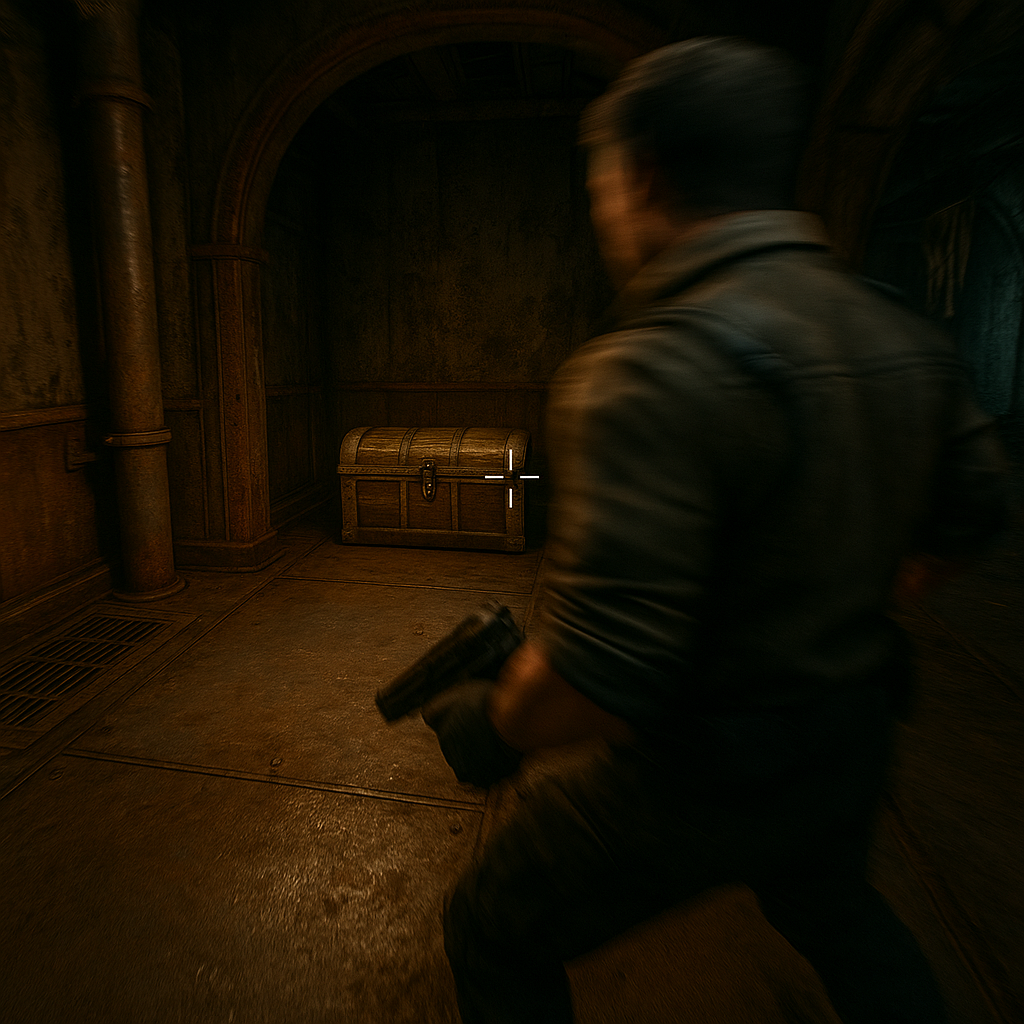
I started doing this because I got sick of that feeling where you exit a little side room, the autosave chirps, and your brain goes, "Wait. Was there a chest in there?" So now I do the same micro-ritual in every new interior, cave pocket, ship corridor, whatever: I step across the threshold, stop moving, and snap the camera in a full circle over about three seconds. Not a slow sightseeing spin. A brisk, deliberate scan that catches the stuff the level designer expects you to miss because you were focused on the doorway.
What you are hunting for in Game Discoveries terms is anything that reads like a "break" in the environment language: a clean rectangle of texture that doesn't match the rest of the wall, a sconce or pipe that has a different specular shine, a half-lit corner where the fog volume looks a little too tidy, a lone crate that feels placed (not clutter). Games love to hide interactables at camera height, not eye height. That means shelves, beams, the tops of bookcases, the lip above a door frame, and the dead space behind a hanging banner are disproportionately profitable.
Two specifics that keep paying off for me. First, I do the scan with the reticle centered at "hand level" for a beat, because so many prompts only light up when you're aimed at the exact pixel cluster. Then I lift the camera high and do a quick ceiling pass without moving my feet. If there's a ladder stub, a grapple ring, a broken catwalk, or even just a vent that looks like it has collision, you'll spot it before you commit to the next objective and mentally close the file on this room.
This doesn't replace other discovery tools like map completion or a compass ping. It's for the tiny, physical space secrets: the one supply box behind the curtain, the key tucked in a drawer, the "why is this chair slightly angled" stash. And yes, it adds maybe five seconds per room. It also saves you the 90-second backtrack you always swear you won't do (and then do anyway).
Drop a breadcrumb you can see from 20 feet
Waypoints are great until the game decides you can only place one, or the map zoom is a crime, or the UI is doing that thing where icons stack and you can't tell if you marked the tunnel or the room next to the tunnel. When I'm in discovery mode, I want a marker that lives in the world, survives my own forgetfulness, and yells at me the second I run past it.
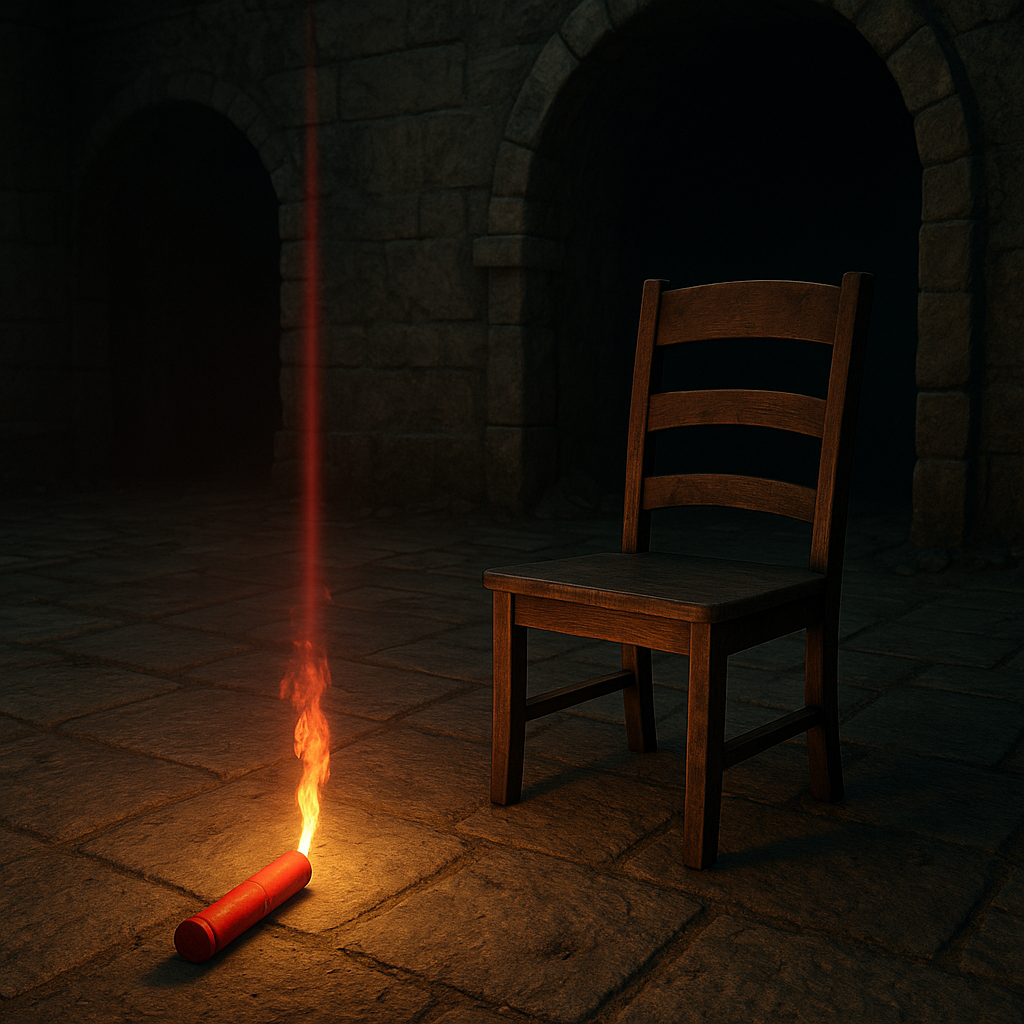
So I started leaving physical breadcrumbs at "decision points". The trick is to pick something you can see from 15 to 20 feet away while sprinting, not something you'll confuse with normal loot. In a lot of games that means dropping a single common item that has a bright silhouette: a flare, a cheap potion, a piece of scrap with a colored icon beam, even one arrow if arrows land upright. If the game doesn't let you drop items, I use whatever physics trash I can move: a chair in a doorway, two barrels pushed into a V shape, a traffic cone dragged to the edge of the stairs. It sounds dumb until you do it, then you wonder why you'd ever trust your memory in a maze built by somebody whose job is to misdirect you.
Here's how I use it in practice. I walk into a hub room with three exits. One is clearly the story path (bigger door, cleaner lighting, maybe an NPC is standing near it doing their "go this way" idle). Before I commit, I pick the least obvious tunnel, run it until it either dead-ends or loops, and I leave a breadcrumb at the exact spot where that tunnel branches into a second choice. When I later return, I can read my own "notes" at a glance: one dropped flare means "I went left already," two items stacked means "this one was locked last time," and a moved chair sideways across a doorway means "I did not go through here, I just checked the corner."
This is pure Game Discoveries behavior: you're building your own little exploration language inside the game's language. The failure mode is obvious, though. If you use something valuable as a marker, you will eventually need it, forget you dropped it, and hate yourself. Use junk. Use one unit of something. Also, do not leave markers in high-traffic combat areas unless you enjoy watching explosions scatter your carefully placed barrel V into modern art. I keep my breadcrumbs in calmer choke points: stair landings, elevator lobbies, cave pinch spots. They stay put, and so does my sanity.
Treat mismatched UI icons as a secret, not a bug
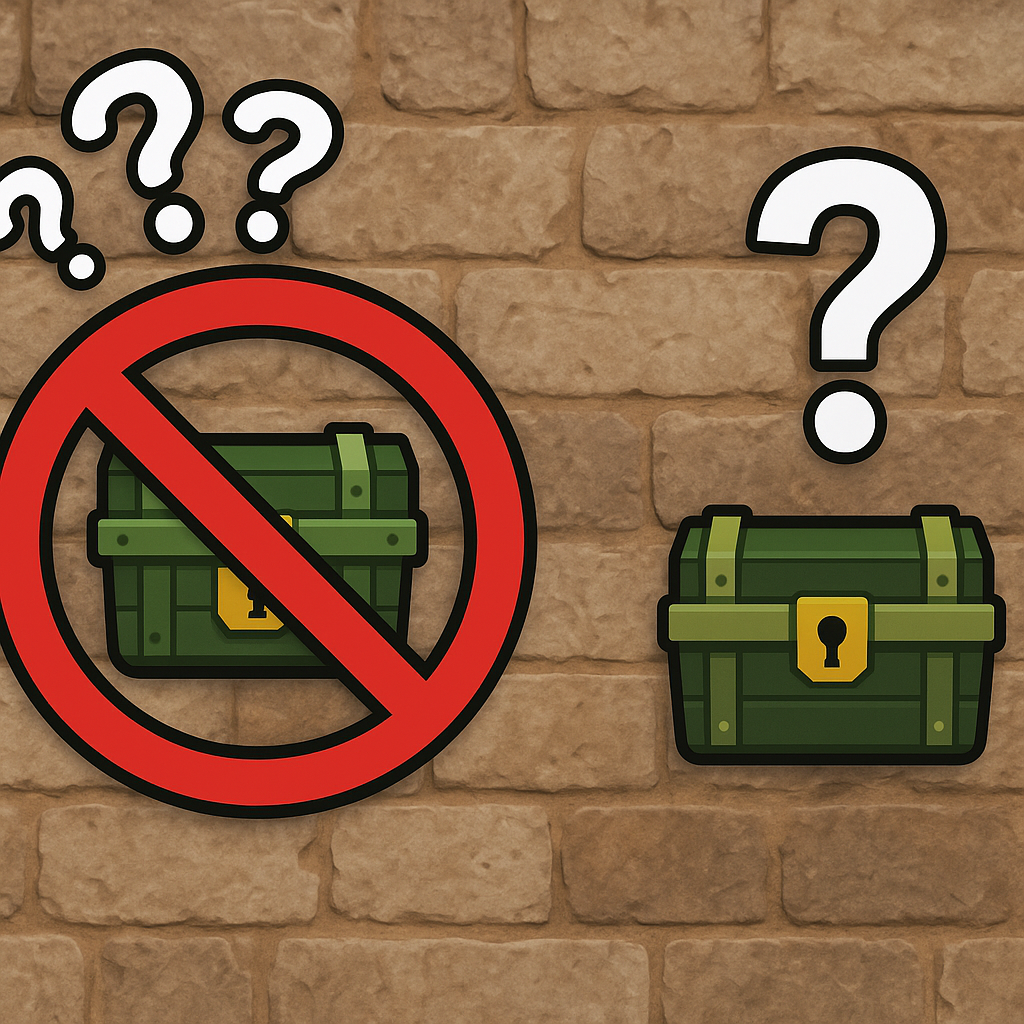
Most players treat UI weirdness like noise. I used to, too. Then I noticed how often a "minor" mismatch is the game quietly telegraphing a discoverable: an icon that stays on the edge of the screen a beat too long, an objective marker that jumps when you cross an invisible seam, a chest indicator that flickers as you rotate the camera, a door prompt that appears only when you approach at a shallow angle. Those are not always bugs. They are often the UI brushing up against geometry the designers didn't want to spotlight with a glowing sign.
This is the kind of Game Discoveries habit that feels a little paranoid until it pays off twice in one session. You'll be jogging through a zone and the interact prompt flashes for half a second. No object in front of you, nothing obvious behind you. Instead of shrugging, stop and reproduce the condition: walk back to the spot, rotate slowly, and change your height. Crouch. Jump. Stand on the nearby rock. Look up. Look down. You are trying to find the exact trigger volume edge that made the UI stutter.
What I commonly find when I do this: (1) a climb point that's only highlightable from one side because the collision is slightly recessed, (2) a "hidden" drawer or shelf that has a tiny hitbox and a prompt that doesn't stick unless you're aimed just off-center, or (3) a second interactable layered behind the first, like a wall panel hiding a safe, where the UI is doing a little dance between two valid targets. I've also run into plenty of secrets that are basically "stand on this specific tile" puzzles. The only warning you get is a minimap marker that wobbles as you move, like it's deciding whether the thing is above you or below you.
To keep this from turning into an exhausting crawl, I give myself a tight filter. I only chase UI oddities that meet at least one of these: the icon persists for more than a blink (two or three frames is enough), it repeats when I retrace my steps, or it happens near "designed" space like a statue alcove, a suspiciously empty balcony, a utility closet with a single prop in it. If it's mid-combat chaos or in a random field with nothing but grass shaders, I let it go.
When it works, it's satisfying in a way a checklist isn't. You're not following a guide, you're reading the seams where the game's systems touch: HUD, collision, and level art. And once you tune your eye to it, you start noticing how many secrets are basically the UI trying, politely, to give you a nudge without breaking the illusion.