
Drop a manual pin, spin once, and let the compass tell you where the secret is pulling from.
Spin-test the compass with a manual pin
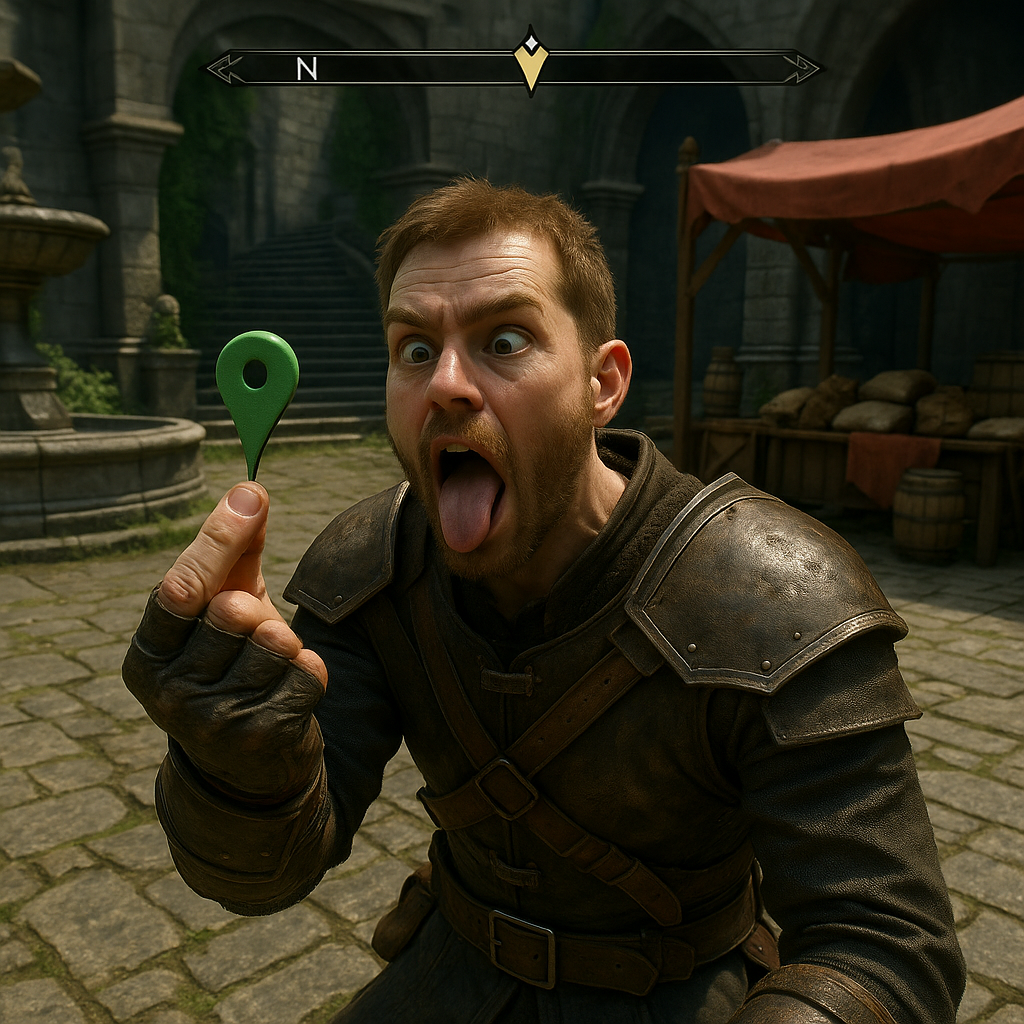
When I keep missing a stash in a big, noisy space (market districts, castle courtyards, any place with too many doors), I stop scanning the environment and start using the HUD like a divining rod. The trick is stupid simple: drop a manual map pin on something you can see from where you are standing (a statue, a well, a vendor stall), then close the map and do one slow 360 while watching the compass at the top of the screen. You are not looking for a quest marker. You are looking for tiny behavior: a brief icon flicker, an interaction prompt that pops for half a second, the way some games subtly “snap” the compass when an interest point is dead ahead, even if it is not marked.
Here is why the pin matters. Without it, you spin too fast and your eyes bounce. With a pin, your brain has a fixed reference, so you notice the oddity when you pass it. I do the turn twice. First pass is just to see if anything reacts at all. Second pass, I stop the moment something changes and walk ten steps straight, no freelancing. Then I repeat the spin-test from the new spot. It feels like triangulation without calling it that.
This shines in games that hide interactables behind “normal” set dressing. Think barrels that are slightly too clean, tapestries that sit a hair off the wall, bookcases that do not line up with the molding, or a ladder you can only grab from one angle. The compass ping tells you what direction the secret is pulling from, and your job is to remove possible vertical layers: look up once, look down once, then check the nearest doorway. You will look much less, and you will find more.
Check for one-way geometry by walking backward
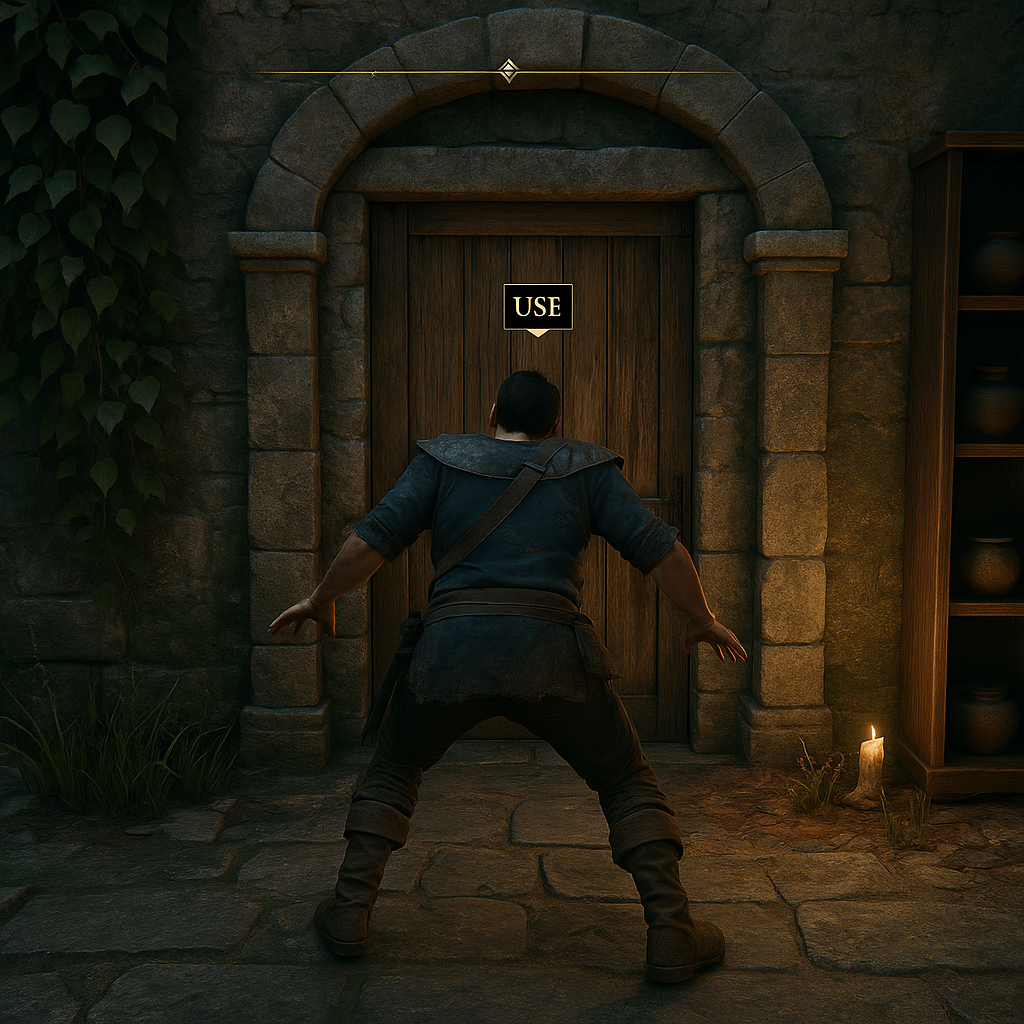
I used to assume “hidden” meant cleverly concealed. A lot of the time it just means the interact prompt is picky. There is a specific kind of secret that drives people nuts: you are staring at the right wall panel, the right chest, the right ladder, and nothing happens because the interaction cone is angled like a cheap motion sensor. My fix is unglamorous and it works: when you suspect you are in the right spot but cannot get the prompt, walk backward while keeping your camera locked on the suspect object.
Backward movement changes how the game tests your position. In plenty of third-person games, your character’s interaction point is not the camera center, it is somewhere around the chest/shoulders, and stepping backward can slide that point across the hitbox in a way forward movement does not. You will see it happen: the “Open” or “Climb” prompt flashes for a frame, then disappears. The moment you catch that flicker, stop. Nudge left and right while still backpedaling, like you are trying to park in a tight garage. Suddenly it locks in and you can interact. No extra tools, no menu tricks, just admitting the geometry is weird.
This is especially useful for: wall levers hidden by foliage, crawlspaces that only register from one side, doors that are “locked” until you touch the exact pixel that counts as the handle, and loot on shelves where the prompt is blocked by a candle, a rope, or the shelf lip. If the game has an on-screen compass or a subtle audio tick when you face something interesting, combine it with this: face the direction you think is correct, then do the backward approach instead of the forward one. You will spend less time doing the shameful circle-strafing dance around a bookshelf.
One note from experience: lower your camera a bit. Lots of interaction checks seem to prefer center-mass, and staring at the top edge of a doorframe can keep you from ever getting the “Use” prompt. Backward step, camera slightly down, tiny side nudges. It is boring, and it pulls secrets out of walls like they were never hidden.
Loot by shadows: mid-day fast travel, then return at dusk
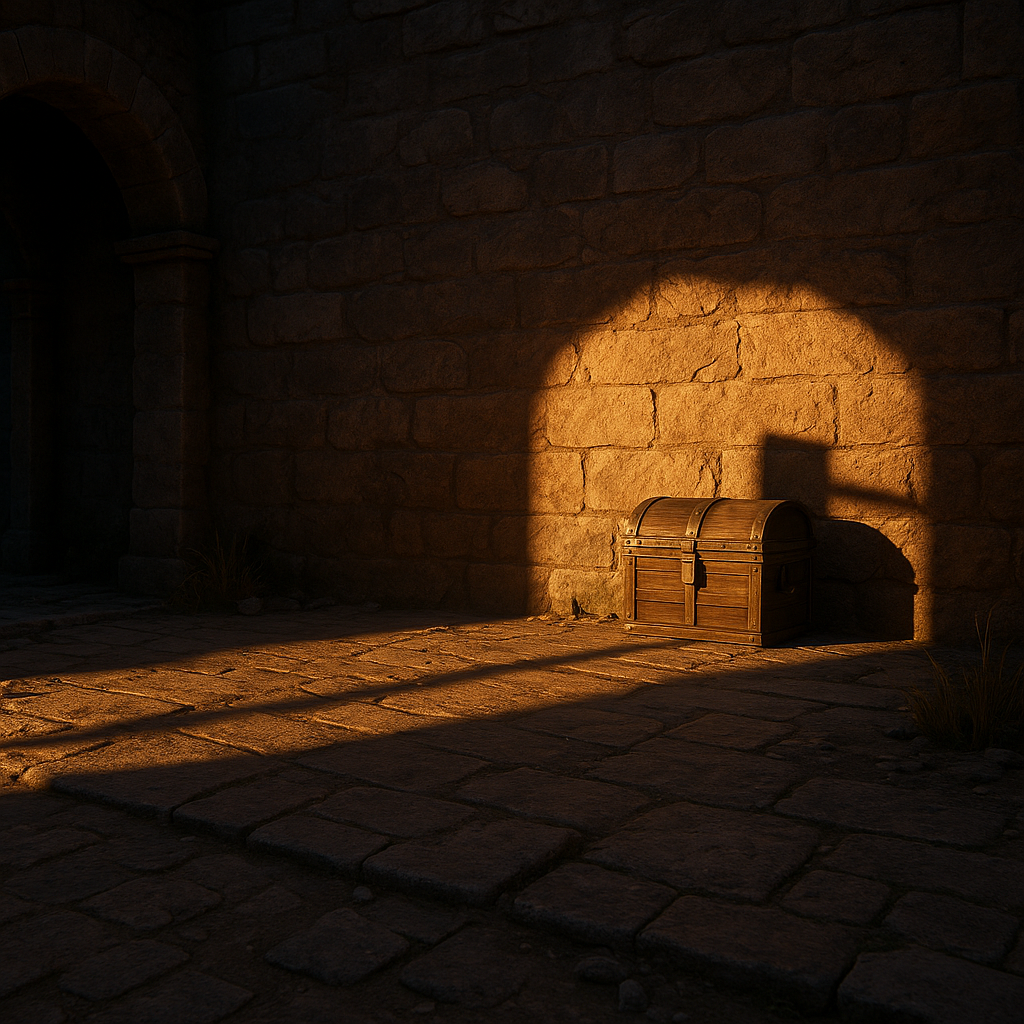
Some secrets are not hidden behind puzzles. They are hidden behind lighting. I learned this after missing a collectible that was sitting on a stone ledge in full daylight, perfectly color-matched to the environment. I walked past it three times because my eyes treated it like scenery. Later, I came back at dusk and it popped immediately, not because it glowed, but because it threw a thin shadow that did not belong.
If your game has a day-night cycle (or even just different “weather” or time-of-day presets you can trigger with rest/meditate/wait), use it as a discovery tool. Here is the loop I run when a zone feels too clean, like it is hiding something: fast travel out and back to force a lighting refresh, then wait until late afternoon or early evening. Go to the same courtyard, the same alley, the same ruin. Now stop chasing sparkle. Chase silhouette. Chains cast moving lines. Grates create bar shadows. A ladder’s rungs create a repeating pattern. When one of those patterns breaks, it usually means there is an object interrupting it: a lever, a loose brick, a chest lid, a protruding switch you would never spot at noon.
This works best in places with strong directional light: narrow streets, cliffside paths, temple interiors with skylights, and any room with a single window. I like to stand still for ten seconds and just let the ambient animation do its thing. Drapes sway, leaves move, torches flicker, and your eye gets a baseline. Then you notice the one shadow that does not move with the rest because it is coming from something solid and interactable.
It is also a neat way to confirm you are wasting your time. If you change the time-of-day and the space still reads flat, with no readable shadow lines, it is probably not a “hidden path” room. Save your patience for a better hunting ground. Discovery is supposed to feel like noticing, not like rubbing your face on every wall until something opens.