
Three boss-fight fixes you can run off one sticky note: a bleed timer, a panic button lockout, and a camera anchor.
The 8-second bleed timer on a sticky note
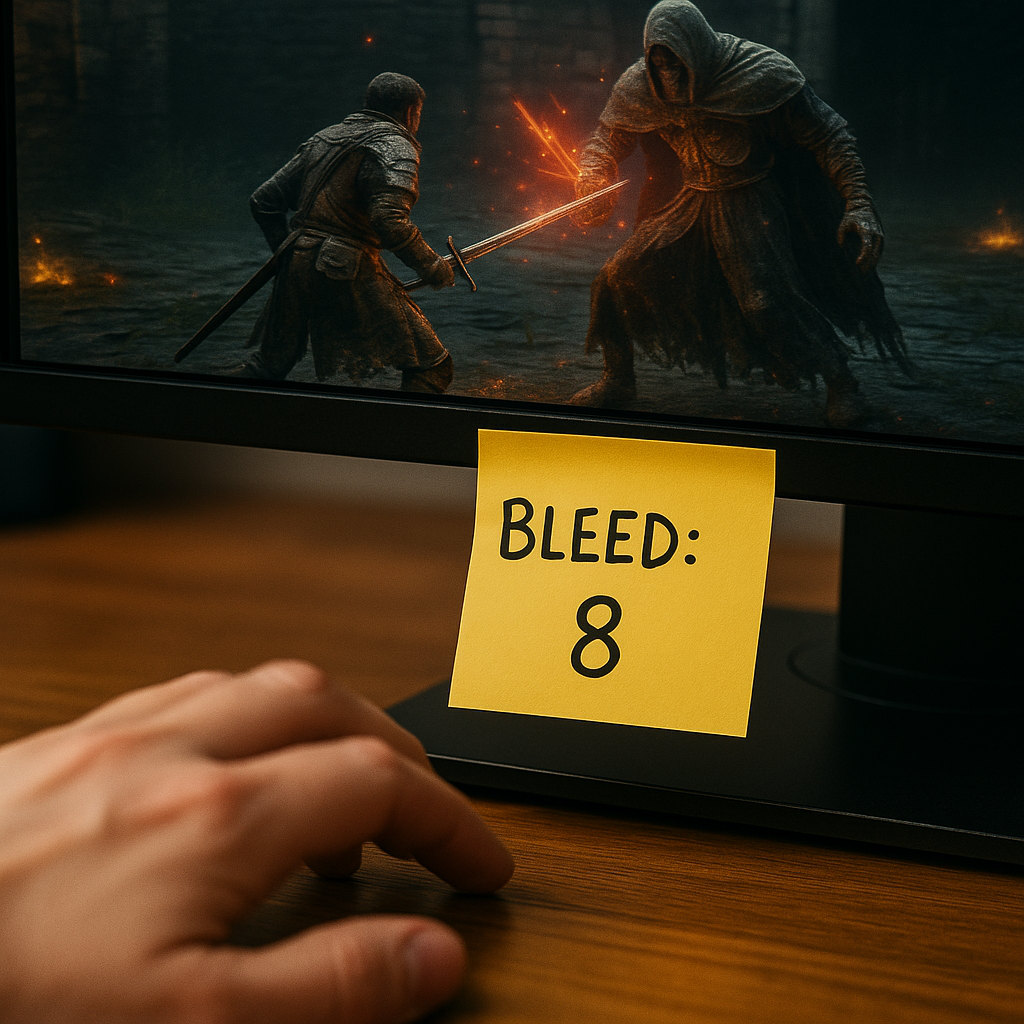
I started doing this after I realized I was losing fights to vibes. Not damage. Vibes. I'd swear my bleed was up, or that I refreshed it "recently," and then I'd look at the replay and see a clean 14 seconds where I did everything except the one thing my build needs. The fix is dumb-simple: I put a sticky note under my monitor with a single number on it, and I treat it like a DPS check I can pass without opening menus.
Write this: BLEED: 8 (or whatever your effect's refresh window is in your game, but pick one number and commit). Now, every time you apply the bleed, you do one physical action: tap your desk eight times with your left hand while your right keeps playing. It sounds goofy, but it turns your bleed upkeep into muscle memory. The taps become a metronome you can feel without looking away from the boss' shoulder or weapon hand. On my end, it stopped that familiar spiral where I'm watching the health bar, missing the tell, and then eating a punish because I tried to squeeze in one more light attack.
This is a Game Tips move, not a build guide. You're not changing gear, you're changing how you track the thing that matters. It also pairs cleanly with a pull routine: before a boss attempt, I glance at the note, check my consumables, and I know what I'm measuring. If the boss is still at 70% when I should be at 50%, I don't cope. I know I'm missing bleed refreshes, and I can fix that on the next pull without rewiring my whole loadout.
The only rule: don't add a second timer. One number. One job. The moment you put three lines on that sticky note, you stop reading it and it turns into wall decor.
Your panic button needs a lockout
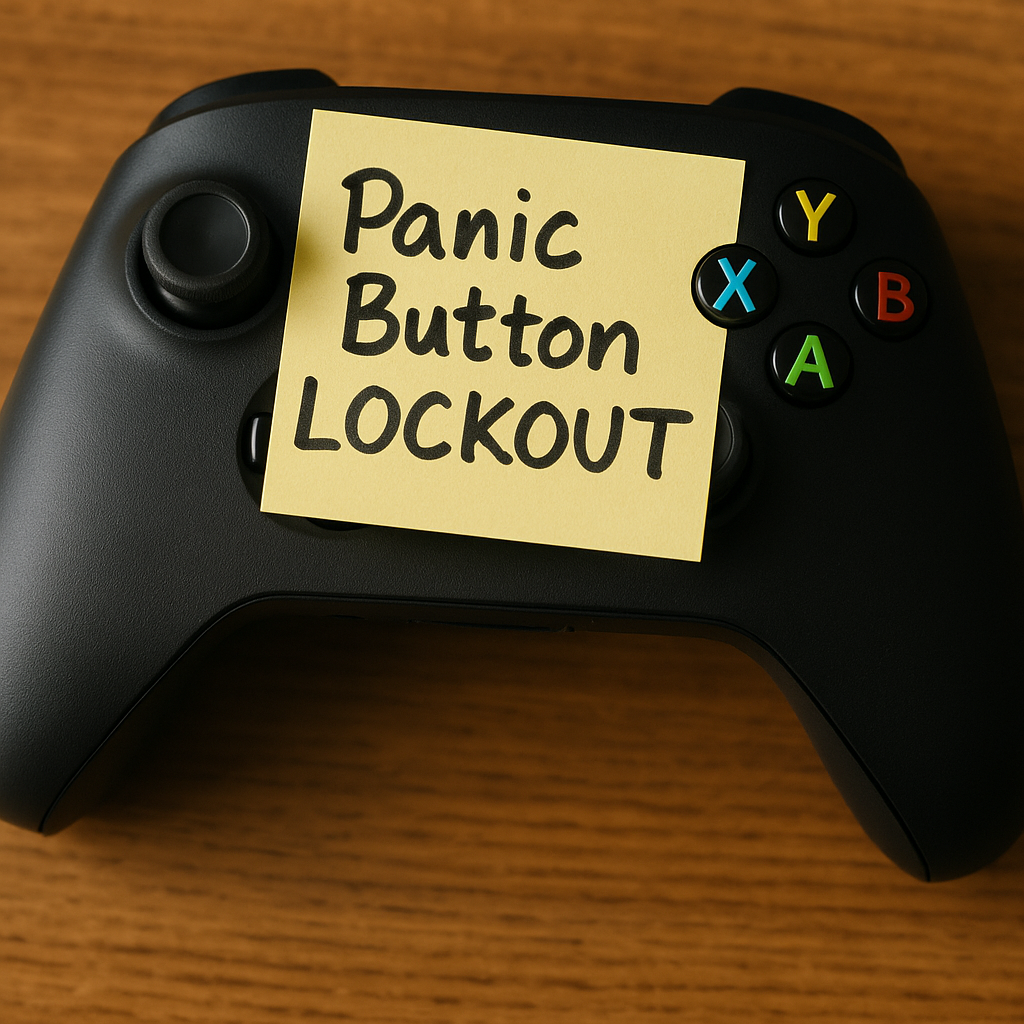
I used to blame "input drops" when I died with a flask (or a heal charge) still sitting there, untouched. Then I watched my own hands on a phone video. I wasn't dropping inputs. I was locking myself out by mashing dodge and attack through the exact half-second where heal would have registered. The cure is to build a tiny lockout into your own play so the heal has space to happen.
Here's what I do now on tough bosses: I decide, before the pull, what my panic button is. It might be heal, it might be a defensive skill, it might be a quickstep. Then I add a personal rule that feels almost annoying: when I hit that button, I also stop touching everything else for a count of one. Not "a second" in real time. Just one clean beat. Thumb off face buttons, no stick flicks, no extra roll. You'll feel how often you were canceling yourself.
To make it stick, I set up the controller or keybind side like a real Game Tips tweak. On controller, I move heal to something I can press without shifting grip (a D-pad direction is fine if your game reads it reliably, but a paddle or a face button swap is even better). On keyboard, I put it on a key I won't fat-finger while strafing. Then I do five reps in a safe area: take damage, hit heal, count one, then move. Five. That's it. You're not "practicing" for an hour, you're installing a reflex.
The payoff in actual boss pulls is immediate and weirdly calming. When you know your heal press is followed by a forced pause, you stop panic-mashing and you start choosing the heal window you already earned. And if you die anyway, at least you died with an empty flask, which is oddly satisfying. It means the decision happened.
Pick a camera anchor before you step through the fog
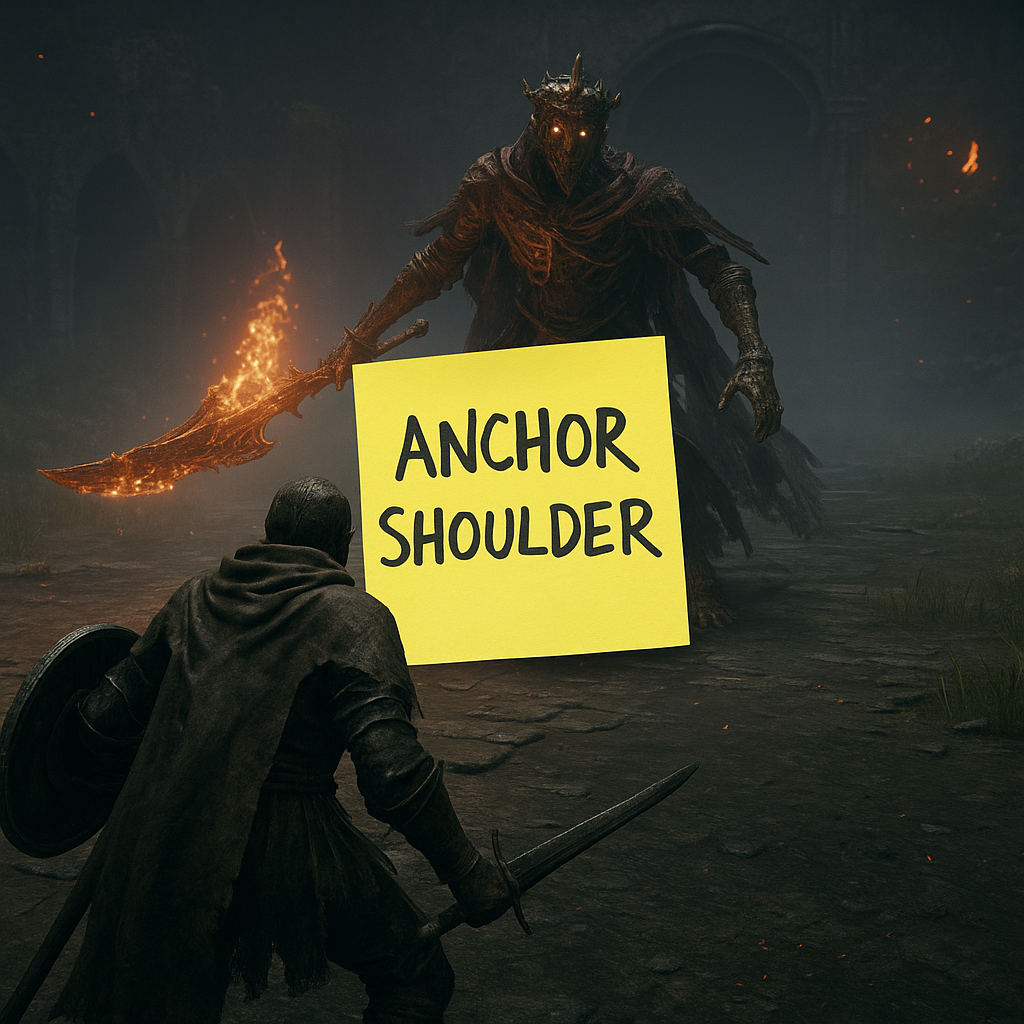
Most people treat the camera like background noise until it ruins a pull. You roll, the boss leaps, auto-lock snaps to a limb, and suddenly you're staring at a cape, a wall, or the inside of your own character model. Then you die and tell yourself the move had no tell. It did. You just weren't looking at the part that tells it.
My fix is to choose a camera anchor before the fight starts, the same way I'd choose a shortcut route in a walkthrough. An anchor is a single visual target you return to whenever the fight gets messy. Not "the boss." Not "the arena." One specific thing. In humanoid fights, my anchor is usually the boss' lead shoulder (the shoulder on the weapon side). In big monster fights, it's the base of the neck or the hip joint. That sounds like anatomy class, but it's practical: those spots move early when an attack starts, and they stay readable even when the hitbox is nonsense.
Once you pick it, you build a micro-habit: every time you disengage to heal or reset spacing, you drag the camera so that anchor is centered, then you re-engage. It's two seconds, tops. If your game has camera settings like lock-on behavior, camera speed, or "reset camera" on a button, this is where Game Tips lives. I crank camera sensitivity up one notch so I can re-center without over-rotating, and I put camera reset somewhere easy to reach. I don't want to wrestle the right stick during the exact moment I'm supposed to read a wind-up.
What surprised me is how this changes your stamina use (or your equivalent resource). When your camera is anchored, you stop spending rolls to "find" the boss again. You roll because you mean it. On my last stubborn boss, that alone bought me one extra punish per cycle because I wasn't burning a dodge just to get the frame back under control.