
Use quest text wording, combat logs, and fast travel names to sniff out the stuff the minimap never admits.
Quest text word choice is a built-in compass
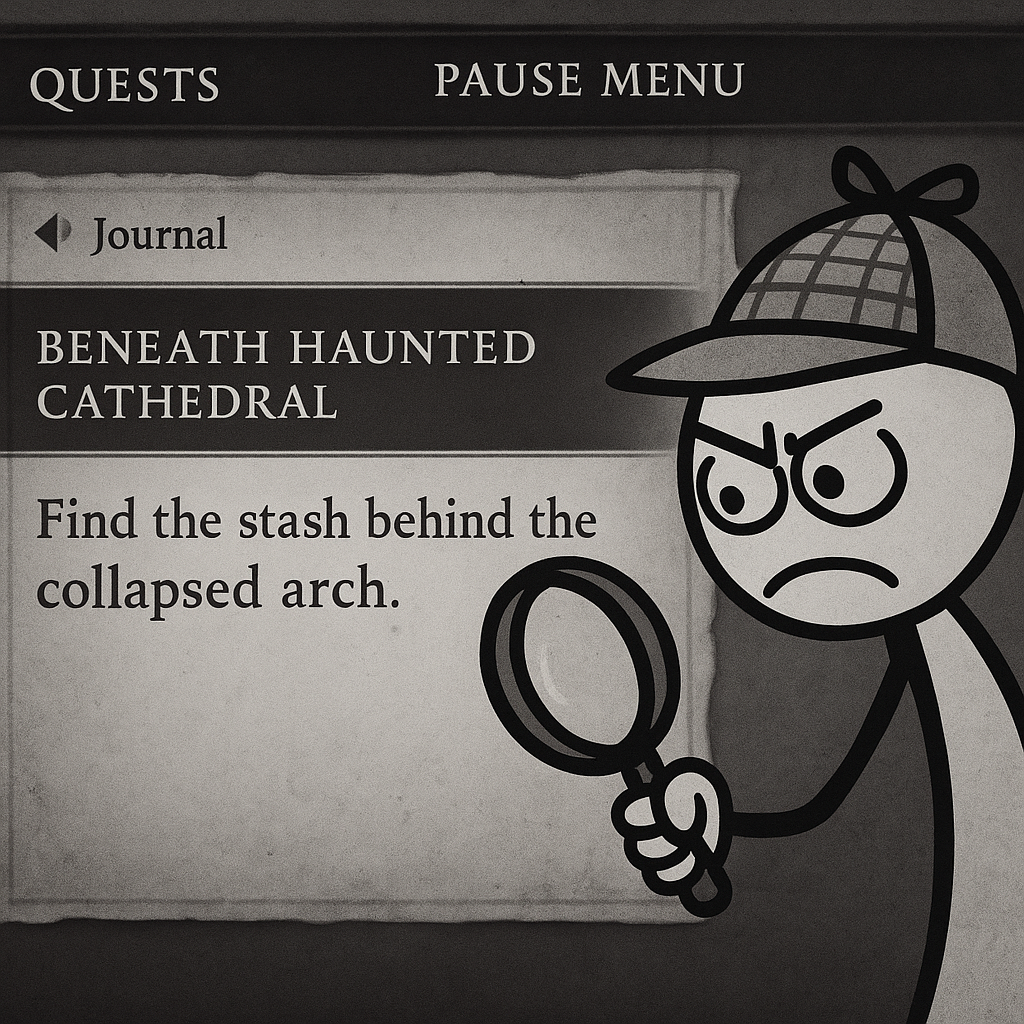
I don't mean "read the quest" in the obvious way. I mean stare at the verbs and the nouns like you're trying to catch the writer accidentally admitting where the secret is. When a journal line says "Search the ruins" that can be anywhere. When it says "Search the ruined bell tower" or "Check the south embankment" or "Find the stash behind the collapsed arch," that's not flavor. That's a disclosure. A lot of games only draw one big circle on the map, then hide the real path behind language they assume you'll skim. Don't skim.
My routine is boring and it works: open the pause menu, pin the quest, then re-open the quest details and read it out loud once. If there's a named prop (windmill, bell, sluice gate, quarry crane) I stop treating the area like "a zone" and start treating it like a film set. Then I walk the perimeter looking for the one object that matches the noun. The key is that you only need one match. After that, the level design usually does the rest with sightlines and convenient ledges.
Two tiny tells I see constantly in Game Discoveries hunts: (1) text that uses an odd adjective like "fresh" scratches or "warm" stones, which is the game begging you to look for VFX you can spot at a distance; and (2) the quest switching from "go" language to "inspect" language. The moment your log says "inspect," "examine," "listen," or "follow," stop sprinting. Crouch-walk the last 30 seconds and check every interact prompt like you're trying to trigger the optional line of dialogue the devs paid for and you keep missing.
Use the fast travel list as your spoiler-free legend
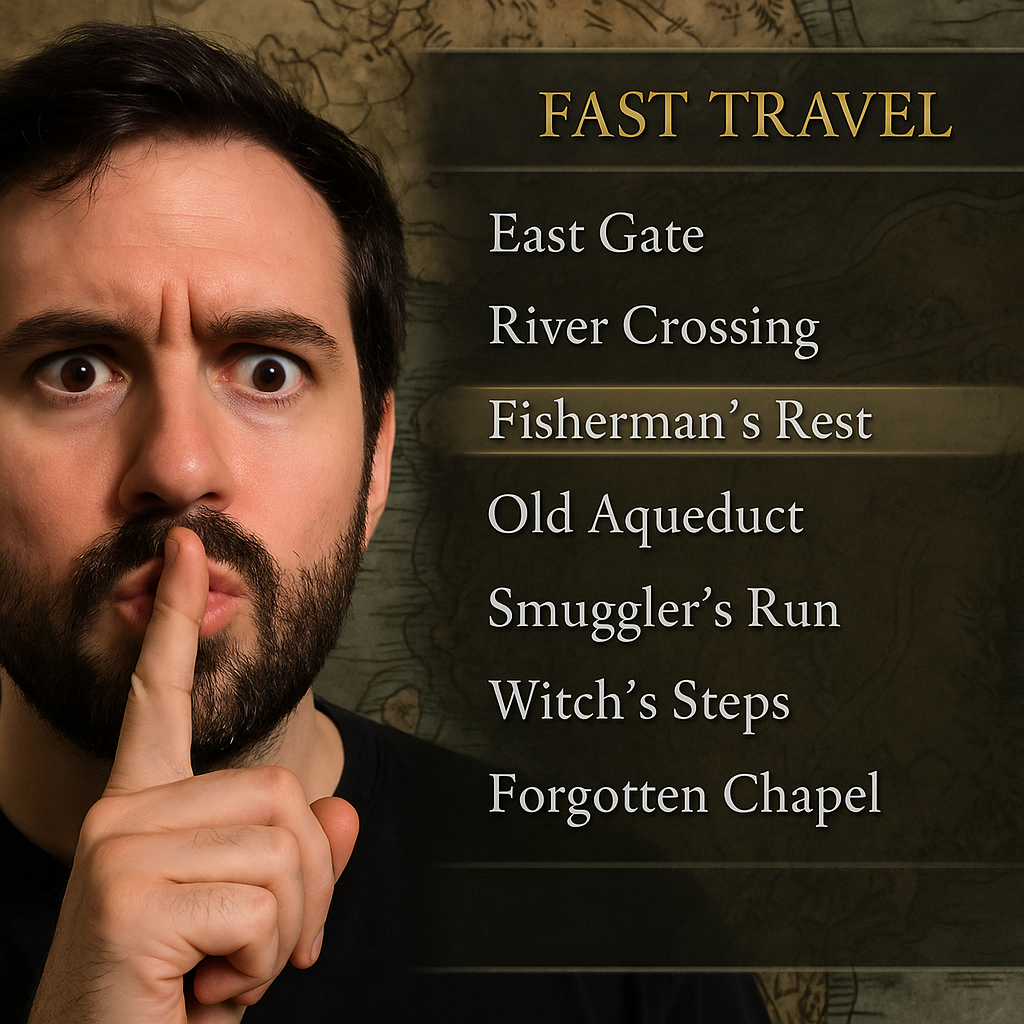
Most people use fast travel like a taxi. I use it like a checklist the game accidentally keeps for me. Open your map and switch to the fast travel list view (whatever your game calls it: shrines, waypoints, bonfires, sites of grace, camps). Now stop looking at where they are and start looking at what they're named. Developers love dropping location names that you haven't physically discovered yet, even if the icon isn't on your map. If your list shows something like "Fisherman's Rest" or "Old Aqueduct" but you don't remember ever seeing it, congrats, you just found your next secret without a guide.
Here's the trick that makes it a Game Discoveries method instead of just "scroll the menu": compare the naming style inside one region. In a lot of open-world games, normal landmarks are generic ("East Gate," "River Crossing"). The optional stuff gets evocative names ("Smuggler's Run," "Witch's Steps," "Forgotten Chapel"). When I spot one of those in the fast travel UI, I don't google it. I set a personal rule: I can only chase it using in-game information. That means reading region tooltips, hovering undiscovered fog, and paying attention to which roads have no fast travel pins nearby.
Practical way to act on it: pick one locked-looking fast travel entry, then find the nearest unlocked point to it and walk there without the HUD, if the game lets you toggle it. No minimap crutch. You start noticing the "soft" breadcrumbs: a road that suddenly has more broken carts, a cluster of crows, a weirdly clean stone staircase in the middle of nowhere. If you do this for 20 minutes, you either hit the thing, or you at least uncover two side caves and a viewpoint the main quest would've dragged you past at full sprint. Either outcome is a win for discovery hunting.
Let your combat log rat out nearby interactables
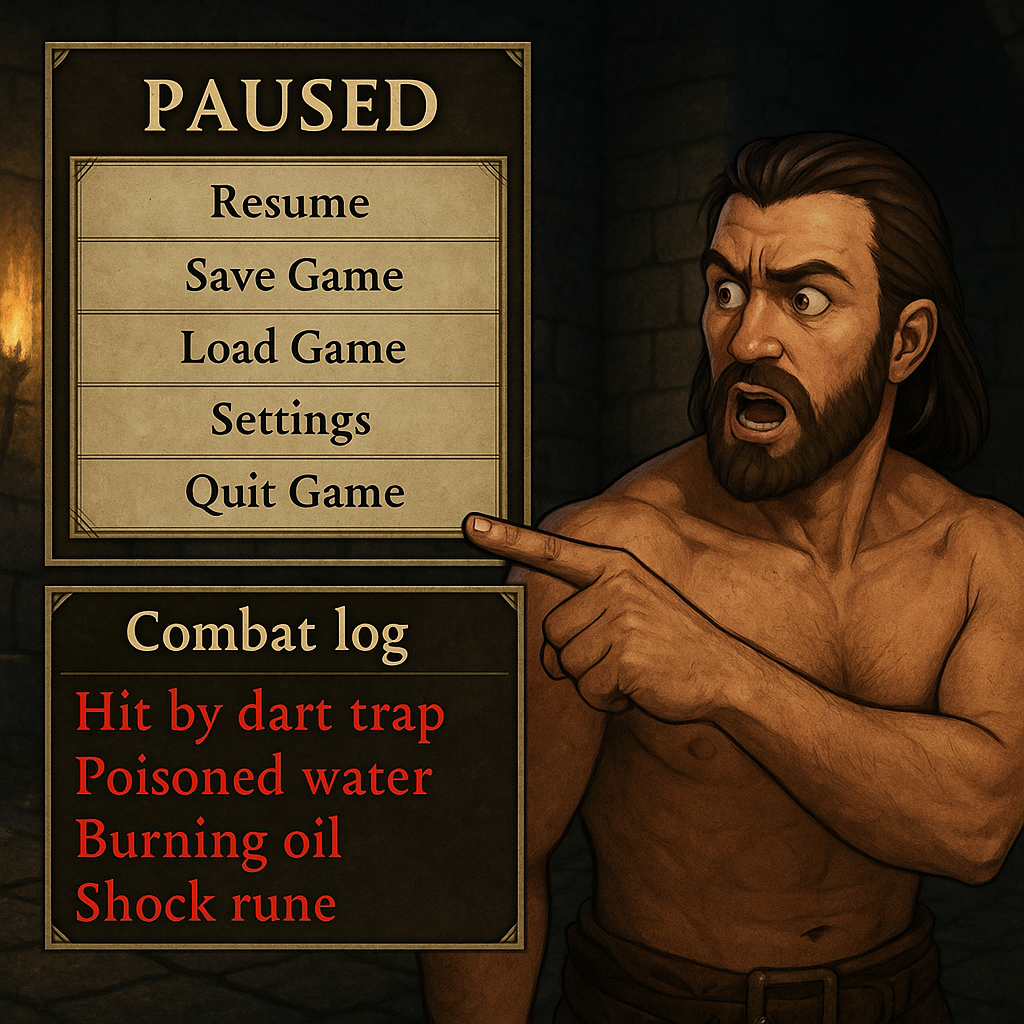
This one sounds unhinged until you try it: in games that show damage sources, status effects, or a scrolling combat log, the UI often tells you about an object before the environment does. Not "you took 12 damage" but "hit by dart trap," "burning oil," "poisoned water," "shock rune," "alarm triggered," that kind of line. Those labels are gold for Game Discoveries because they imply there's a named system nearby, and named systems usually have a lever, a disable point, or a reward chest on the other end.
What I do in practice is slow down the moment I see an oddly specific status effect. If I get tagged by "bleed" from nowhere in a ruin, I don't keep pushing forward to the next fight. I backtrack 15 steps and look for the thing that could plausibly be responsible: a slotted wall, a floor plate, a wire, a little idol, a suspiciously open window. Then I provoke it again on purpose, just once, while facing different directions. The combat log will usually repeat with the same label, and you can triangulate the source by where the hit registers and where the audio feels strongest.
Yes, it costs a heal sometimes. It's still faster than sweeping every brick with your face. And once you find the trap, you almost always find the secret paired with it: the side corridor the trap is "protecting," the hidden ladder above it, the tucked-away key that turns off the hazard, or the note that points to a second location. The best part is that this works in games that don't even have classic "secrets." If the UI is bothering to name the hazard, the designers expected you to engage with it, not tank it and forget it. Take the hint, then take the loot.